

With the rise of remote work, data protection in the home office has become a critical concern for individuals and organizations alike. Protecting sensitive information from cyber threats, data breaches, and unauthorized access is essential to maintaining privacy, compliance, and business integrity.
This article outlines best practices for ensuring robust data protection in your home office setup:
Table of Contents
Understanding the Importance of Data Protection
Data protection safeguards personal and business information from unauthorized access, corruption, or loss. For remote workers, this includes protecting sensitive company data, client information, and personal details. Effective data protection is crucial for several reasons:
Preventing Data Breaches:
Protecting against unauthorized access and cyberattacks is crucial for a home office, where less stringent security measures than corporate environments make them more vulnerable. Data breaches can lead to severe consequences, including financial loss, legal penalties, and damage to your professional reputation. Implementing strong data protection practices helps prevent unauthorized access to sensitive information, safeguarding personal and business data from potential threats.
Maintaining Privacy:
Working from home often involves handling personal and confidential information, whether it’s your data or that of your clients and employer. Ensuring this data remains secure is essential to maintaining privacy and avoiding identity theft or malicious activities. Effective data protection measures are crucial for keeping personal and business information confidential and secure, safeguarding against potential threats, and maintaining trust.
Regulatory Compliance:
Many industries are subject to strict data protection regulations, such as the General Data Protection Regulation (GDPR), the Health Insurance Portability and Accountability Act (HIPAA), and the California Consumer Privacy Act (CCPA). Adhering to these laws and regulations is crucial, as failing to comply can result in significant fines and legal consequences. Ensuring data protection in your home office helps you stay compliant with these regulations, safeguarding your business from potential legal issues.
Preserving Business Integrity:
Maintaining trust and reputation is critical for remote workers, freelancers, and home-based business owners. Data breaches or leaks can erode client trust and harm professional relationships. By prioritizing data protection, you demonstrate a commitment to safeguarding client information and maintaining high standards of business integrity, which is essential for preserving your business’s reputation.
Ensuring Business Continuity
Data loss due to cyberattacks, hardware failures, or other incidents can disrupt your work and lead to significant downtime. Regular data backups and robust security measures ensure that you can quickly recover and continue your business operations with minimal interruption. This resilience is vital for maintaining productivity and meeting deadlines.
Protecting Financial Information
Home offices often involve managing financial data, including invoices, bank details, and payment information. Protecting this data is crucial to prevent financial fraud and theft. Secure data protection practices, such as encryption and storage, help safeguard your financial information from cybercriminals.
Enhancing Productivity and Efficiency
A secure and well-protected home office environment reduces the risk of cyber threats and data breaches, allowing you to focus on your work without constant worry about security issues. This peace of mind enhances productivity and efficiency, enabling you to work more effectively.
Reducing Stress and Anxiety
Concerns about data security can lead to stress and anxiety, which can negatively impact your overall well-being and work performance. By implementing robust data protection measures, you can alleviate these concerns and create a more positive and stress-free working environment.
Best Practices in Data Protection for Your Home Office
1. Implementing Strong Password Practices
Implementing strong passwords is a fundamental aspect of securing your home office. Passwords are often the first defense against unauthorized access to sensitive information and digital assets. Weak or easily guessable passwords can lead to significant security breaches, exposing personal data, confidential business information, and financial records to cyber criminals.
Strong passwords help protect against cyberattacks such as hacking, phishing, and brute-force attacks, thereby safeguarding your digital environment. By creating robust and unique passwords for each of your accounts and devices, you significantly reduce the risk of unauthorized access and enhance the overall security of your home office. This practice protects your data and contributes to maintaining your professional reputation and ensuring business continuity.
Practices to Follow in Implementing Strong Passwords
- Use Complex Passwords: Combine uppercase and lowercase letters, numbers, and special characters.
- Change Passwords Regularly: Update passwords periodically to reduce the risk of unauthorized access.
- Avoid Reusing Passwords: Use unique passwords for different accounts and services.
- Enable Two-Factor Authentication (2FA): Add an extra layer of security by requiring a second form of verification.
- Use Password Managers: Utilize password management tools to generate and store complex passwords securely.
- Avoid Common Words and Phrases: Steer clear of using easily guessable words or sequences, such as “password” or “123456.”
- Regularly Review Passwords: Periodically check and update your passwords to ensure they remain strong and secure.
- Educate Yourself on Phishing Scams: Be aware of phishing tactics and avoid sharing passwords through email or unsecured channels.
By following these practices, you can create a secure password environment that significantly enhances the security of your home office.

2. Securing Your Home Network
Securing your home network is crucial for protecting your home office from cyber threats and ensuring the privacy and integrity of your data. An unsecured network can be an easy target for hackers, who can access sensitive information, intercept communications, and install malicious software. This can lead to data breaches, financial loss, and compromised professional relationships.
By securing your home network, you create a robust defense against unauthorized access and cyberattacks, safeguarding your personal and business information. A secure network protects your devices and data and provides peace of mind, allowing you to focus on your work without constantly worrying about potential security threats.
Practices to Follow in Securing Your Home Network
- Change Default Router Settings: To prevent unauthorized access, update your router’s default username and password.
- Use Strong Wi-Fi Encryption: Ensure your Wi-Fi network is encrypted with WPA3 or at least WPA2 to protect against eavesdropping.
- Create a Guest Network: Set up a separate network for guests to prevent them from accessing your primary network and sensitive data.
- Keep Firmware Updated: Regularly update your router’s firmware to protect against vulnerabilities and exploits.
- Enable Network Firewall: Use the built-in firewall on your router and consider additional firewall software for enhanced protection.
- Disable Remote Management: Turn off remote management features on your router to reduce the risk of remote attacks.
- Hide Your Network SSID: Prevent casual discovery of your network by hiding its SSID (network name).
- Use Strong Passwords: Set a strong, unique password for your Wi-Fi network to prevent unauthorized access.
- Monitor Connected Devices: Regularly check the list of devices connected to your network and disconnect any unfamiliar devices.
- Implement VPN: Use a Virtual Private Network (VPN) to encrypt your internet traffic and protect your online activities.
By following these practices, you can significantly enhance the security of your home network, ensuring a safe and secure environment for your home office operations.
3. Utilizing Encryption
Encryption is critical to securing your home office, as it protects your sensitive data from unauthorized access and cyber threats. Encryption transforms readable data into an unreadable format, ensuring that even if data is intercepted or accessed by unauthorized parties, it remains unintelligible without the proper decryption key. This is particularly important for safeguarding personal information, business data, and communications from cybercriminals.
By encrypting your data, you ensure that confidential information remains secure, whether it is stored on your devices or transmitted over the internet. This practice helps maintain privacy, protect intellectual property, and ensure compliance with various data protection regulations, enhancing your overall security posture and peace of mind.
Practices to Follow in Implementing Encryption
- Encrypt Sensitive Files: Use encryption software to protect important documents and files stored on your devices.
- Use Encrypted Communication Tools: Opt for messaging and email services that offer end-to-end encryption to secure your communications.
- Secure Cloud Storage: Ensure that any cloud storage services you use provide robust encryption for data stored on their servers.
- Encrypt External Drives: Protect data on external hard drives, USB sticks, and other portable storage devices with encryption.
- Enable Device Encryption: To secure all stored data, use built-in encryption features on your devices, such as BitLocker for Windows or FileVault for macOS.
- Encrypt Backup Data: Ensure that your backup data, whether stored locally or in the cloud, is encrypted to prevent unauthorized access.
- Use Encrypted Wi-Fi: Ensure your Wi-Fi network uses WPA3 or at least WPA2 encryption to secure data transmitted over your network.
- Implement Full Disk Encryption: Protect the entire hard drive of your devices with full disk encryption to secure all data stored on them.
- Regularly Update Encryption Software: Keep your encryption software and tools up to date to protect against vulnerabilities and exploits.
- Educate Yourself on Encryption Best Practices: Stay informed about the latest encryption technologies and best practices to protect your data.
By following these practices, you can effectively utilize encryption to protect your home office data, ensuring a secure and private working environment.

4. Regular Backups
Regular backups are essential for protecting your home office data against loss due to hardware failures, cyberattacks, accidental deletions, or natural disasters. Without proper backups, losing critical data can lead to significant disruptions, financial loss, and potential damage to your professional reputation. Backups ensure you have copies of your important files and can quickly restore them in the event of data loss, allowing you to continue your work with minimal interruption.
Regularly backing up data is a key component of a comprehensive data protection strategy, providing peace of mind and ensuring business continuity. This practice safeguards your work and helps maintain productivity and client trust by enabling quick recovery from unexpected data loss incidents.
Practices to Follow in Doing Regular Backups
- Automate Backups: Use automated backup solutions to ensure data is backed up regularly without manual intervention.
- Schedule Frequent Backups: Set a schedule for daily, weekly, or monthly backups depending on the importance and frequency of data changes.
- Use Multiple Backup Locations: Store backups in multiple locations, such as external hard drives, cloud storage, and network-attached storage (NAS) devices, to protect against local disasters.
- Encrypt Backup Data: Ensure backup data is encrypted to protect it from unauthorized access.
- Perform Full and Incremental Backups: Use a combination of full backups (complete copy of all data) and incremental backups (copy of changes since the last backup) to optimize storage space and backup time.
- Verify Backup Integrity: Regularly check and verify the integrity of your backups to ensure they are complete and not corrupted.
- Test Restore Processes: Periodically test restoring data from backups to ensure the recovery process works smoothly and efficiently.
- Keep Backup Software Updated: Ensure your backup software is up to date to benefit from the latest features and security patches.
- Document Backup Procedures: Maintain clear documentation of your backup procedures and schedules to ensure consistency and reliability.
- Secure Backup Storage: Store physical backup media in a secure, protected location to prevent theft, damage, or loss.
By following these practices, you can ensure that your home office data is regularly backed up, providing a reliable safety net that protects your work and minimizes the impact of data loss incidents.
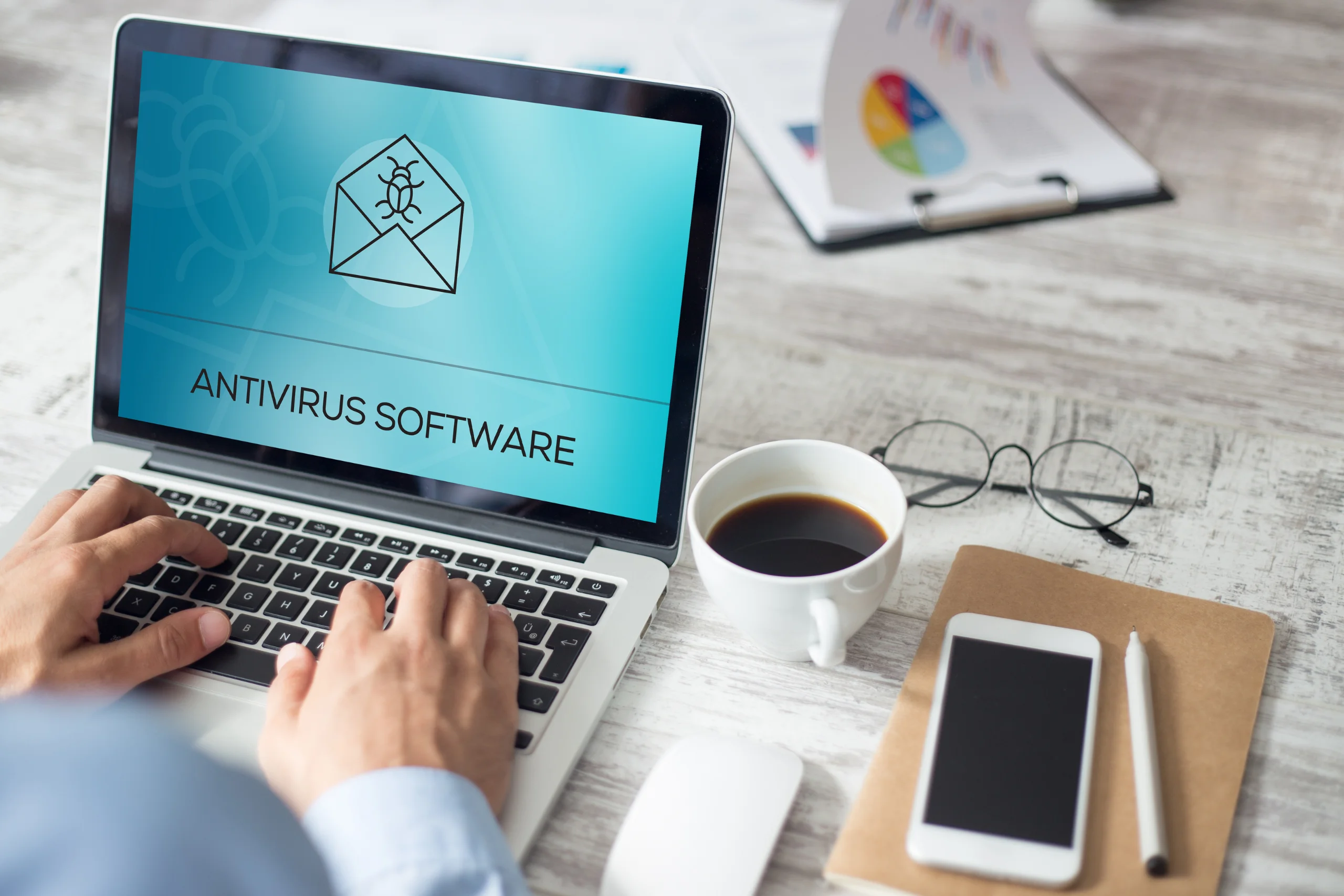
5. Using Antivirus and Anti-Malware Software
Antivirus and anti-malware software are crucial for maintaining the security and integrity of your home office. These programs protect against various cyber threats, including viruses, ransomware, spyware, and other malicious software that can compromise your data, steal sensitive information, or disrupt your operations.
Detecting and removing harmful software, antivirus, and anti-malware tools helps prevent unauthorized access, data breaches, and other cyberattacks that can lead to significant financial loss, legal issues, and damage to your professional reputation. Regularly updating and maintaining these security solutions ensures that your home office remains safeguarded against the latest threats, allowing you to work with confidence and peace of mind.
Practices to Follow in Using Antivirus and Anti-Malware Software
- Choose Reliable Software: Select reputable antivirus and anti-malware solutions with a proven track record of effective protection.
- Keep Software Updated: Ensure that all security software is regularly updated to protect against the latest threats and vulnerabilities.
- Enable Real-Time Protection: Activate real-time protection features to continuously monitor your system and block malicious activities as they occur.
- Schedule Regular Scans: Set up regular scans to detect and remove potential threats that may have evaded real-time protection.
- Perform Full System Scans: Conduct full system scans periodically to check all files and applications for malware thoroughly.
- Use Additional Security Features: Take advantage of additional features offered by your security software, such as firewall protection, web filtering, and email scanning.
- Stay Informed About Threats: Keep yourself informed about new and emerging threats to understand the risks and how to mitigate them.
- Avoid Suspicious Downloads: Do not download software or files from untrusted sources, as they may contain malware.
- Regularly Back Up Data: Ensure that your data is regularly backed up to minimize the impact of a potential malware infection.
- Educate Yourself and Others: Learn about safe browsing habits and educate family members or colleagues who share the same network to practice good cybersecurity hygiene.
By following these practices, you can effectively use antivirus and anti-malware software to protect your home office from a wide range of cyber threats, ensuring a secure and productive working environment.

6. Implementing Physical Security Measures
Implementing physical security measures for your home office protects sensitive information, equipment, and other valuable assets from theft, damage, or unauthorized access. While digital security often takes center stage, physical security is equally important to ensure the overall safety of your workspace.
Effective physical security measures prevent intruders from gaining access to your home office, safeguard against accidental damage, and ensure that only authorized individuals can access sensitive data and equipment. By securing your physical environment, you create an additional layer of protection that complements your digital security efforts, ensuring a comprehensive approach to safeguarding your home office.
Practices to Follow in Implementing Physical Security Measures
- Lock Doors and Windows: Ensure that your home office doors and windows are securely locked when not in use to prevent unauthorized entry.
- Use Strong Locks: Install high-quality locks on all entry points to your home office, including deadbolts and smart locks for enhanced security.
- Secure Storage: Store sensitive documents and valuable equipment in locked drawers, cabinets, or safes.
- Install Surveillance Cameras: Set up surveillance cameras to monitor and record activity around your home office, deterring potential intruders.
- Use Alarms and Motion Sensors: Equip your home office with alarm systems and motion sensors to detect and alert you to suspicious activity.
- Limit Access: Restrict access to your home office to authorized individuals only, using keycards, keypads, or biometric systems if necessary.
- Keep Equipment Out of Sight: When not in use, store laptops, tablets, and other portable devices out of sight to reduce the risk of theft.
- Regularly Check Security Measures: Periodically inspect and test all physical security measures to ensure they function correctly.
- Maintain a Clean Workspace: Keep your workspace tidy and free of clutter, which can help prevent accidents and make it easier to notice if something is amiss.
- Emergency Preparedness: Have a plan for emergencies, such as knowing the quickest exit routes and having contact information for local law enforcement.
By following these practices, you can effectively implement physical security measures that protect your home office, ensuring a safe and secure environment for your work.
7. Educating Yourself and Your Family
Educating yourself and your family about data protection is crucial for maintaining a secure home office environment. Awareness and understanding of cybersecurity principles help prevent accidental security breaches caused by human error, one of the most common vulnerabilities.
By educating everyone in your household about the importance of data protection and safe online practices, you create a culture of security that extends beyond your home office. This protects sensitive information and business assets and helps prevent identity theft, financial fraud, and other cybercrimes. Ensuring that everyone is informed and vigilant about data protection measures reduces the risk of unauthorized access and enhances the overall security of your home office.
Practices to Follow in Educating Yourself and Your Family
- Learn Cybersecurity Basics: Familiarize yourself with fundamental cybersecurity concepts, such as recognizing phishing attempts, understanding malware, and knowing the importance of strong passwords.
- Stay Updated on Threats: Keep informed about the latest cyber threats and trends by following reputable cybersecurity news sources.
- Implement Safe Browsing Habits: Educate family members on avoiding suspicious websites, not clicking on unknown links, and not downloading unverified software.
- Secure Sharing Practices: Teach your family the importance of not sharing personal or sensitive information over unsecured channels or with untrusted contacts.
- Use Strong Passwords: Encourage using complex, unique passwords for all accounts and emphasize the importance of not sharing passwords.
- Enable Two-Factor Authentication (2FA): Explain the benefits of 2FA and assist family members in setting it up for their accounts.
- Recognize Phishing Scams: Train everyone to identify and avoid phishing emails, messages, and calls.
- Regular Software Updates: Ensure everyone understands the importance of updating software, apps, and devices to protect against vulnerabilities.
- Secure Devices: Teach family members how to secure their devices with passwords, encryption, and by regularly backing up data.
- Create an Incident Response Plan: Develop a plan for responding to potential security incidents and ensure everyone knows the steps to take if they suspect a security breach.
By following these practices, you can ensure that you and your family are well-educated on data protection, significantly enhancing the security of your home office and creating a safer online environment for everyone.
Conclusion
Data protection in the home office requires a combination of technical measures, physical security, and continuous education. By implementing strong password practices, securing your home network, using encryption, regularly backing up data, installing reliable antivirus software, and educating yourself and your family, you can create a secure home office environment that safeguards sensitive information from threats. Prioritizing data protection ensures compliance with regulations and preserves your business’s integrity and trustworthiness in an increasingly digital world.

