

Computers have become integral to modern businesses, including small and home-based enterprises. Your business relies on data—financial records, customer lists, sales information, photos, videos, website files, emails, and more.
For example, a daycare business owner may store student information, contact details, and other essential data on their computer. A blogger keeps articles and blog drafts saved digitally, while a freelance photographer depends on digital copies of images stored on a hard drive.
With so much reliance on data, what would happen if disaster struck and all your files were lost? The consequences could be devastating. Imagine your website crashing—would you have a way to restore it quickly? If your system were infected with malware, do you have a clean backup ready to replace corrupted files?
Table of Contents

Loss of data is a significant risk for small businesses today. A virus could wipe out your files, a flood could destroy your computer, or your laptop might get stolen. Even a simple software update could cause an unforeseen glitch, leading to major data loss. These scenarios can put your business at risk, and in extreme cases, even force its closure.
Why You Need a File Backup System
If disaster strikes your home, it can also take down your home-based business. Years of hard work could vanish in an instant due to unexpected events like system crashes, theft, accidental deletions, computer viruses, or natural disasters.
When running a business, it’s critical to establish multiple layers of data protection. Regularly backing up your files ensures that you can recover them quickly if needed. Here are key steps to an effective backup plan:
- Perform Regular Backups: Set a routine for backing up your files so you always have recent copies available.
- Use Multiple Backup Methods: Rely on more than one backup system to prevent data loss.
- Have an Offsite Backup Plan: Store at least one copy of your backups in a different location to safeguard against physical damage or theft.
Types of Backup Solutions
There are two primary ways to back up your data: local (physical) backups and cloud (online) backups. Ideally, using both methods provides maximum security.
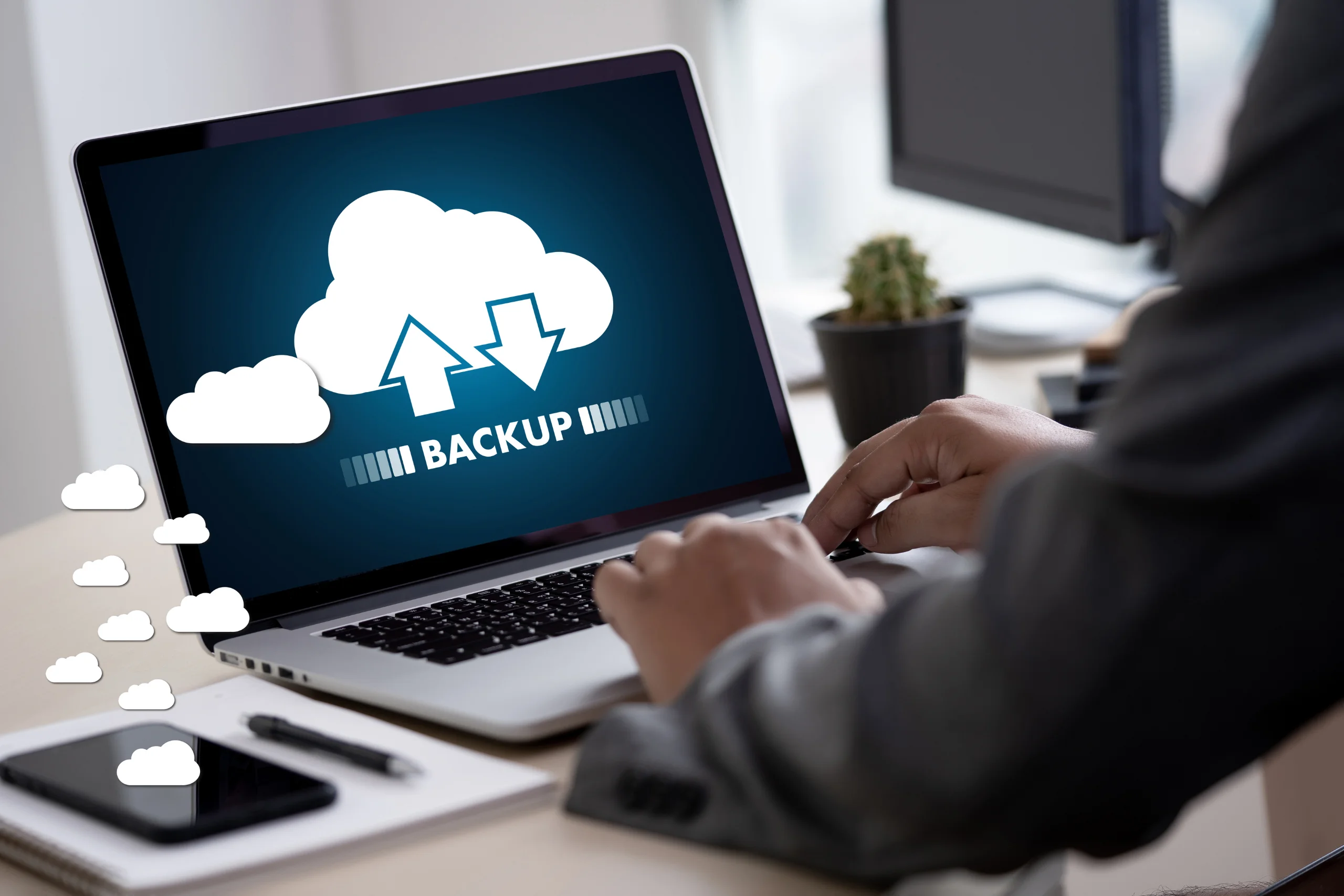
Local Backup Solutions
Physical backups involve storing copies of your data on external devices. Options include:
- External Hard Drives: High storage capacity and reliable for keeping large files.
- USB Flash Drives: Portable and convenient for quick file transfers.
- Network-Attached Storage (NAS): Ideal for businesses with multiple users needing shared access to backups.
- CDs/DVDs: While outdated for large files, they can still be used for small data archives.
Having a local backup is great, but it’s not enough. If your external drive is in the same location as your computer and a disaster occurs, both could be lost. That’s where cloud backup solutions come in.
Cloud Backup Solutions
Cloud-based backups offer an offsite, secure storage solution. With cloud backup, your files are stored remotely and can be accessed from any location. Key benefits include:
- Automatic Backups: Many cloud services allow scheduled backups, ensuring your data is always up to date.
- Remote Access: Retrieve your files from anywhere, using any device with internet access.
- Disaster Recovery: Protects against loss due to theft, hardware failure, or natural disasters.
- Encryption & Security: Leading cloud backup services provide encryption to keep your data secure.
Choosing the Right Cloud Backup Service
When selecting an online backup provider, consider the following factors:
- Long-Term Reliability: Choose a service with a strong reputation and proven track record.
- Storage Size: Assess how much data you need to back up. Some providers offer free plans with limited storage, while others provide unlimited options.
- Number of Devices: Determine whether you need to back up a single device or multiple computers and mobile devices.
- Security & Encryption: Ensure that the provider offers end-to-end encryption to protect sensitive files.
- File Synchronization: Look for services that automatically update cloud copies when files are modified.
- Ease of Use: A good backup service should offer easy setup, automatic syncing, and a simple restore process.
- Cost: Balance the features offered with the pricing structure to find the best fit for your business needs.
There are both free and paid cloud backup services available. Free options may be useful for basic needs but often come with storage limitations. If you rely heavily on digital data, investing in a paid backup service ensures more comprehensive protection and larger storage capacity.
Implementing a Strong Backup Strategy
To ensure that your business data is fully protected, follow these best practices:
- Set a Backup Schedule: Automate backups daily, weekly, or monthly to keep your files up to date.
- Use Multiple Backup Locations: Store data locally and in the cloud for maximum security.
- Test Your Backups Regularly: Periodically check your backups to ensure that files can be restored.
- Keep Older Versions of Important Files: Retaining multiple document versions helps if you need to recover previous edits.
- Educate Your Team: If you have employees, ensure they understand the importance of backing up data and following security protocols.
Conclusion
A comprehensive backup strategy is crucial for protecting your business and ensuring smooth operations in case of data loss. Whether you choose physical storage, cloud-based solutions, or a combination of both, the key is to have a reliable system that guarantees quick recovery when needed. Don’t wait for disaster to strike—take proactive steps today to secure your important files and maintain business continuity.
This article was originally published on May 31, 2013, and updated on February 28, 2025.

Backing up computer files is especially important when you own a home business. Got a virus last year and it was really tough to restore my MAC and retain all of the important business files. I’ve started better back-up habbit & so should you! -Jackie
Backing up computer files is especially important when you own a home business. Got a virus last year and it was really tough to restore my MAC and retain all of the important business files. I’ve started better back-up habbit & so should you! -Jackie
I have to agree that cloud based storage is a great idea. I have so many skills that help with my home business but I will admit that organization and backing up my files is my weakness. I’ve lost so much over time! I’m glad I seen this article I will be trying out some cloud based storage this year for sure.
I have to agree that cloud based storage is a great idea. I have so many skills that help with my home business but I will admit that organization and backing up my files is my weakness. I’ve lost so much over time! I’m glad I seen this article I will be trying out some cloud based storage this year for sure.
Heya I am for the primary time here. I came across this board and I to find It really useful & It helped me out much. I’m hoping to offer something back and help others such as you helped me.
Heya I am for the primary time here. I came across this board and I to find It really useful & It helped me out much. I’m hoping to offer something back and help others such as you helped me.
thanks for inspiration
thanks for inspiration