

The Instagram landscape is more competitive than ever—and keeping up with constant posting, new formats, and algorithm changes can feel impossible. Artificial intelligence (AI) is changing that. With tools like Canva Magic Studio, Copy.ai, Later, and Buffer, creators and small businesses can automate content creation, plan smarter calendars, and analyze engagement data with precision. This guide explores how to use AI on Instagram to streamline your workflow, improve post performance, and personalize your strategy while maintaining your authentic voice and creative control.
Key Takeaways
- AI saves time and boosts consistency. Automated tools handle scheduling, caption writing, and image editing, allowing creators to focus on creativity and strategy.
- Visual quality improves instantly. AI-powered design tools like Canva Magic Studio and Adobe Firefly create professional-quality visuals without expensive design teams.
- Captions and hashtags get smarter. Copy.ai and Jasper generate tailored captions and tag suggestions that fit your brand voice and audience intent.
- Data-driven posting wins. Tools such as Later, Buffer, and Hootsuite use analytics to optimize posting times, track performance, and guide future content choices.
- Personalization matters. AI allows creators to segment audiences and tailor content to each group’s interests, leading to higher engagement and trust.
- Human touch still leads. The best results come from blending AI efficiency with authentic storytelling and ethical use of generated visuals.
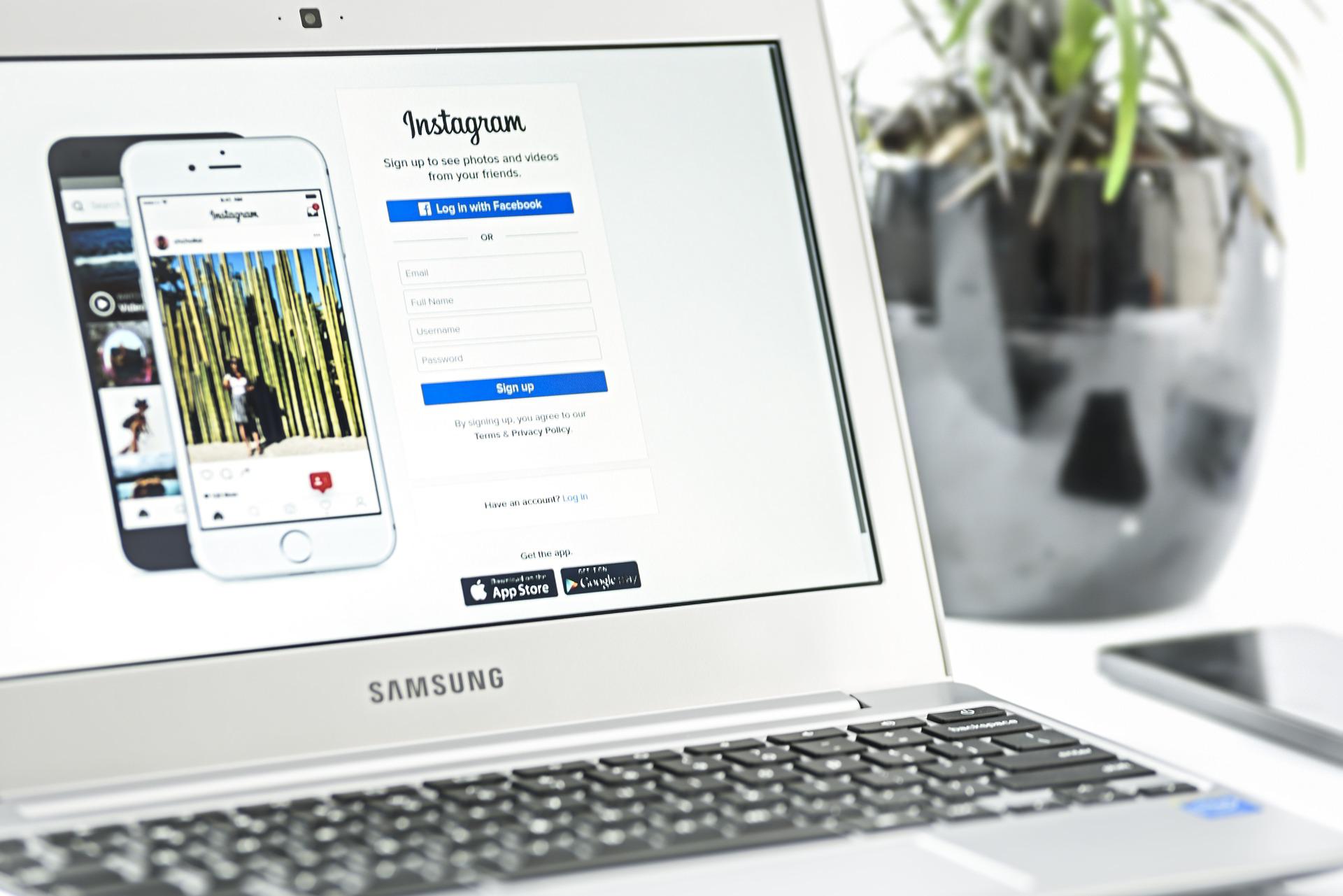
Table of Contents
Your feed is crowded, and your best posts sink lower than the rest. Most content creators have felt that pain, from small shops to singular influencers. The answer? Work smarter and not harder by utilizing AI. Thinking along the lines of “How can I post more often?” or “How can I post better?” is the wrong line of reasoning as well. Utilizing AI on Instagram means using brilliant tools to help you schedule, produce, and learn from your posts.
Caption help, hashtag ideas, best times to post suggestions, quick editing, and precise analytics. The tools like Insights and auto captions are a few of the already lucid offerings of Instagram. Third-party tools come in, offering gaps in content production ideas or post planning.
Why is this helpful? The reasons are clear. Faster production, better post clarity in images, and stronger hooks. You learn what your audience finds of interest and post more of it with less guesswork. This saves tons of time per week and increases your reach and engagement.
A win-win for small businesses and creators on a tight budget. AI can quickly batch out ideas, provide copy that stays true to your overall voice, and test out thumbnails or hooks. It can analyze the comments for ideas to find repeated phrases or themes and farms this information to help you next time in your next Reel or story.
In this resource, you can find the basic AI tools available to you as a user on your Instagram account, and at measurement in what point in your creative flow they come into use. You can find out how to schedule your content so as to work synchronously with the algorithm, along with the demands of your personal goals.
You will be taught how to give prompts that will yield on-brand captions, how simple changes or editing tricks can yield greater masses of watch time, and the metrics you need to guarantee you are following the proper production path, to work out what will work. At the end of this resource, you will have developed a clear system that is repeatable week by week.

Explore Leading AI Platforms For Instagram Content
You don’t need a studio, nor a designer, to look pro on Instagram. A few affordable AI tools can transform rough ideas into polished posts, fast. Start with images in Canva’s Magic Studio or Adobe Firefly, clean portraits in Lensa, and tighten copy with Copy.ai. Use Instagram’s capabilities to finish and publish seamlessly.
Create Stunning Visuals with AI
AI can create an image, background, or short video with just a simple prompt. It can also enhance faces, lighting, and product shots to optimize their display on small screens.
Canva Magic Studio: Type a scene idea and get layouts, fonts, and editable B-roll. Change styles with a click and keep brand colors.
Adobe Firefly: Create or amend images from prompts: control lighting, aspect, ratio, and texture for on-brand looks.
Lensa: Clean up selfies and portraits. Soften skin, adjust colors, or remove cluttered backgrounds.
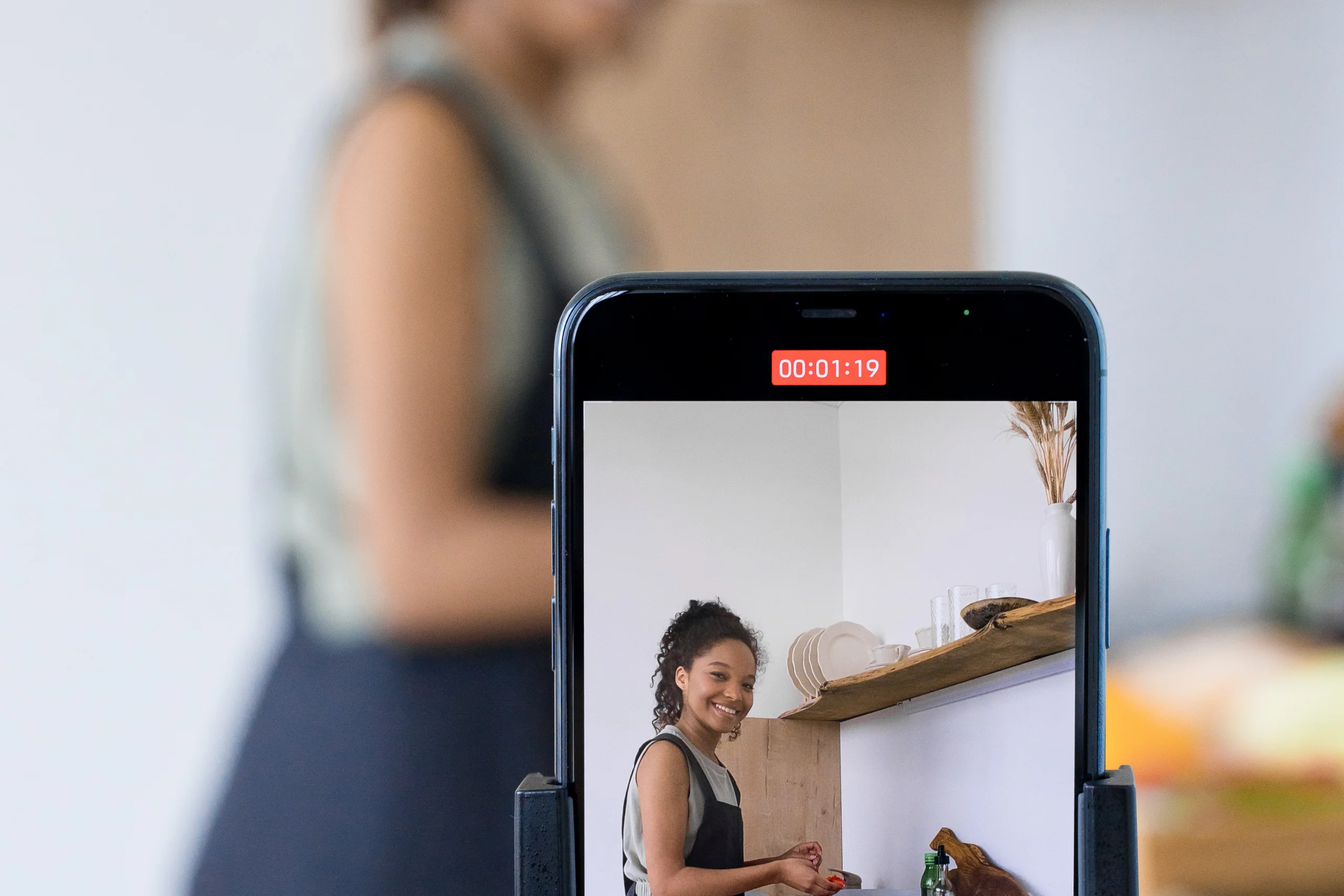
Example, a fast Instagram Reel:
- Brainstorm a hook. “3 ways to style a linen shirt.”
- In Canva, search Reel templates, pick a 9:16 format.
- Use Magic Media to get a neutral background. Slide in clips or stills.
- Drop in Firefly-generated cutaways, like a macro of the fabric or a detail of the hanger.
- Drop text overlays, brand colors, and transitions timed to the beat.
- Export the draft, then add music and captions on Instagram.
Look for considerable time savings. You can write a Reel in 20 minutes, not two hours. Tweak fonts, colors, and crops until they fit your grid. Do be ethical. Avoid false personas or statements, and label AI art where warranted, and obtain permissions for their likeness to be depicted.
Daily practice:
- Batch a few templates in Canva on Monday.
- Keep a catalogue of Firefly prompts available to insert uniformity.
- Use Lensa monthly for creator headshots.
Write Precursory Captions and Tags
AI authors quickly generate drafts, then add the human touch.
Copy.ai: Insert the post topic and your brand voice, and receive from 5 to 10 captions, from snappy introductions to helpful hints.
Jasper: Useful for uniformity in brand voice and for more extended captions. Set tone only once, then reapply on several posts.
Built-in: Instagram has auto captions for Reels and a search facility to find relevant tags.
Before and after example:
- Before: “New drop live”.
- After: “New linen set just landed. Comfy, breathable, and provides for layering. Tap through to see colourways.”
Tag approach:
- Generate a list with help from Copy.ai or Jasper, but do some pruning. Limit to about 5 to 12 tags. Use general tags like #summeroutfit in conjunction with niche tags like #linenstyleguide.
- Edit for fit and destination. Insert one or two branded tags.
Keep it real. Prune the clichés, add a clear call to action, and write naturally. Maintain and save the best hooks and tags in a notes file for easy reference and testing.
Build a Smarter Content Calendar Using AI
An effective calendar keeps you consistent, but does not drain you of energy. AI makes it easy to build around what your audience wants when they are online and the types of concepts that are saved and shared. Use Instagram Insights for the foundation, and then layer in platforms like Later and Buffer to discover times, themes, and the ability to keep a flow of postings.
Analyze trends to remain competitive
Trending tools are able to analyze hashtags, use of audio, captions, and saves to show the increase. Fast wins are still coming to creators to produce Reels that are short and in loop form, carousel how-tos, before and afters, and the quick use of memes, in 2025. These trends can be tracked and planned to be used as steady content rather than one-hit wonders.
How?:
- Use Later for trending reports and hashtag suggestions in order to map out weekly topics that are hot.
- Check out the rankings with saves or shares, rather than views.
- On Buffer, check out the suggested times for posting. Pair those time periods with trending content formats that would hit well, such as 7 to 12-second Reels with a specific hook in the very first two seconds.
- Screen the comments with an AI note taker that tags pain points and repeated questions. Build a Reel or carousel with the trending question or pain point answered.
- Have a simple, easy tracker on hand, noting topic, format, and result. Repeat that which works well with a time frame of 7 to 10 days.
Examples in real time from 2025:
- Short Reels that form a loop and are clean continue to earn high retention rates.
- Carousels that include checklists or swipes through learning drive the save motif.
- Green screen commentary and Side-by-Side reactions allow for the rapid inclusion of concept.
Stay smart, do not chase trends or carry chaos with it. Go with 2 of the trendy formats if they work with your particular brand and test for 2 weeks at a time. Go with the one that works best, then double down on that. Do not do trends that do not sound in sync with voice/values, as that consistency beats a dozen random pivots.
Individualize Your Content For Your Audience
Personalization takes a good calendar and makes it a great one! By segmenting followers—in other words, breaking them into subgroups based on interests, viewing history, and location—AI offers variations to suggest what those groups are already engaging with to fit the new variations.
What to use:
- Later: Audience insights, the best time to publish, and suggested hashtag sets by topic.
- Buffer: An AI Assistant producing caption variation ideas, smart time zone scheduling, and performance scores.
- Instagram Insights: Basic info, including reach, time online, and what types of content performed better than others.
Action Steps:
- Create 3 to 4 segments, for example, beginners, advanced, local fans, and shoppers.
- Select a post idea and make variations of it. Change hook, CTA, and angle for each segment.
- Schedule the various segments during the best time for that group. (Using Later or Buffer.)
- 7 days later, look at each. Keep the top variation and roll it into the plan for the next week.
Case Study Example:
- A boutique fitness studio segmented its audience into Beginning and Advanced. The team tested two caption angles using the same workout clip. The Beginners used language around “low-impact, no equipment” and a save for later CTA. Advanced left caption around “progression” and a challenge CTA.
- After 30 days, average engagement increased from 3.8% to 5.6%. Beginner posts doubled their Saves, while the Advanced posts received increased comments reflecting challenge prompts.

Sample Weekly Calendar for a Fitness Brand
- Monday, 8 AM: Carousel, 5 Mobility Moves for Desk Workers. Angle for Beginners.
- Tuesday, 6 PM: Reel, 20-second leg finisher. Angle for Advanced with timer overlay.
- Wednesday, 12 PM: Story Q & A, poll on pain points. Apply AI to evolve the categories of answers, improving them over time.
- Thursday at 7 p.m., Client spotlight, before and after. Add on the local suggestion of hashtags.
- Friday, 5 p.m. Meme or trending audio, fitness variation appropriate to your tone.
- Saturday at 9 a.m. Saveable checklist, grocery list for the high-protein meals.
- Sunday at 10 a.m. Recap Reel, top tips of the week with captions and clear CTA (call to action).
Let’s return to the strategy. AI posts at the right time, in the appropriate format and language for each category. You get output, output, and loss of stress. In a month, all this is possible, reach, saves, trust, and gains for each post that follows.
Assess Results and Refactor AI Strategy
AI can boost social media output, but will go astray unless reined in. Posts go somewhat lifeless, comments fall off, and the expenses continue to mount with little gain. The remedy is simple: see how you are doing and readjust what the AI does next. Numerous brands use AI for captioning, timing, and audience targeting. But when things are lagging behind trends, it is time to consider evaluating and refactoring matters. A small to mid-size retailer improved their returns after evaluating the ideas of prompts, lagging in posting, and cutting out oblique hashtags. A few minor adjustments gave them continual increases in less than a month’s time.
Refactor Your AI Plan for Increasing Social Media Returns
Refactoring is a goal-oriented change based on what you have found. Determine what your problems are, test out new alternatives, and then increase the returns that you think you have liked. Change prompts, evaluate your base of training, and resize audience settings and modes for the bot.
For advertising, this would mean simplifying creative, reducing targeting parameters, and assigning clear conversion events. Move in small increments, be rapidly trained, and document your returns. Clone what works, kill what does not, and repeat the process.
Recognize and Refactor Poor Used AI Criteria in Social Media
- Well, biased recommendations, valorize your inputs, and put on new audience data from Facebook.
- No longer current data. Re-teach your models using current posts and suggestions from other platforms, focusing on repetitive captioning.
- Rotate your prompt templates and the nature of your posts.
- Bad times. Use your data to learn the best times to post for audience activity.
Keep a Close Eye on Engagement and be Fast in Adjustment
Put out alerts, real-time, so you can adjust ones not working while fresh. Hootsuite beeps you when a Reel gets stale, or a carousel starts zipping up. Handle it in hours, not days.
Key moments to watch closely:
- Reach: Indicates whether your hook and timeliness are effective.
- Watch time and retention: Tells you if those 3 seconds were valid. “Likes, comments, DM conversations – simple interest and conversation metrics.
- Saves and shares – intent to rewatch and recommend.
- Profile visits and follows – health check in for pulling new audiences.
- Tap-throughs and link clicks – measuring outcomes to content.
Simple changes mid-campaign:
- Change the first line of the caption to a sharper first hook.
- Change the thumbnail to a cleaner, high-contrast vision.
- Remove the first two seconds for faster payoff.
- Swap weak hashtags for the niche tags your audience actually searches.
- Write a CTA sticker in Stories, pointing to the post.
Low-hanging adjustment steps weekly:
- Scan Insights for drop or skip by format or topic.
- Confirm patterns with Hootsuite performance alerts.
- Change copy or visuals in active posts where adjustment can be reasonable.
- Keep a swipe file of hooks and winning thumbnails to use in the future.
- Double down on the first two themes next week.
Users report quick wins, including thumbnail swaps, rewritten captions, and a better posting window. Smaller accounts have steadier reach once they begin treating adjustments like regular maintenance, which they can employ if the need arises.
Pitfalls in the use of AI content to avoid
Over-reliance can flatten the voice. Use AI to write, then add in lived experience, examples, and explicit opinions. Keep your slang, stories, and brand differentiators.
Balance hints:
- AI for speed, you for soul.
- Bring in a short personal opinion for each caption.
- Add one real image, or a real clip, compliments of an AI-assisted image.
Privacy and Rules:
- Get permission if you want to feature faces or locations in posts. Blur, when needed.
- Follow the terms of Instagram in relation to audio, giveaways, and sizes.
- Label AI-generated media if it is apt to confuse or mislead.
- Do not gather private data, but start with platform-approved tools.
Get improvements:
- Log simple wins from hooks, thumbnails, and formatting.
- Trim each month, removing what does not work any longer.
- Refresh prompts and style guides once a quarter.
- Ask followers for what they want next, then test in the same week.
Conclusion
The nitty-gritty part of Instagram is made easier by AI – planning a calendar for smarter push, sharper hooks, and easy shaping of edits. Stokes outputs early for trends, suggests the best time to push, and personalizes angles by segment. It closes the completion loop with clearly disseminated metrics, so you keep what works and discard what does not. Voice still leads, AI merely does heavy lifting.
Getting small is ideal for success this week. Pick one tool, run a single test. Write three options for captions using Copy.ai, or use Later to schedule just one post in the week. Try out a new thumbnail from Canva, or pick up and change a retention piece in your Reels, getting the first three seconds right. Measure your results a week later. Store any wins in the swipe file.
Ethical thoughts. Label when AI visuals are in use, when needed. Get permission for privacy to keep it. Provide your own story to each post, even for just one sentence. Given time, this harvests more reach, more saves, more trust.
Ready to give it a whirl? Share the tool you will test this week, in the comments, and your ultimate goal. Return to add the numbers for your post. The system gets sharpened with each cycle, and the same goes for you.”
Frequently Asked Questions (FAQ)
How can AI improve your Instagram content strategy?
AI enhances every stage of the Instagram content process—from idea generation to analytics. It automates time-consuming tasks like caption writing, post scheduling, and trend monitoring. For instance, tools like Copy.ai can produce multiple caption drafts in seconds, while Later determines optimal posting times based on audience activity. Canva Magic Studio and Adobe Firefly simplify design by generating polished visuals using brand-specific colors and styles. The result: creators and brands save hours per week while maintaining a consistent posting cadence. Most importantly, AI tools reveal insights into what your followers actually respond to, allowing you to refine your content and grow engagement more strategically.
What are the best AI tools for Instagram creators and small businesses?
A handful of affordable tools can transform your workflow:
– Canva Magic Studio – Creates and edits on-brand visuals with just a prompt.
– Adobe Firefly – Refines photos and generates unique backdrops or textures.
– Copy.ai & Jasper – Generate captions, hashtags, and tone-consistent copy.
– Later & Buffer – Schedule posts, analyze trends, and suggest best posting times.
– Lensa – Retouches photos and portraits for a more professional look.
By combining these tools, you can create a comprehensive AI ecosystem for Instagram, encompassing design, captioning, scheduling, and optimization, all without needing additional staff. These tools are especially valuable for small businesses and creators operating with tight budgets.
How can AI help personalize content for different audience segments?
AI tools like Later and Buffer can analyze your followers’ behaviors—such as preferred post types, viewing times, and engagement history—to suggest custom content variations for different segments. For example, a fitness brand can create separate versions of a Reel for beginners and advanced audiences, adjusting hooks and calls to action accordingly. Over time, analytics reveal which variations resonate best, allowing you to refine your strategy. This kind of personalization turns one piece of content into multiple high-performing assets, increasing engagement and follower loyalty while reducing creative fatigue.
What are the ethical concerns when using AI-generated Instagram content?
Using AI on Instagram raises ethical considerations around authenticity, consent, and transparency. Creators should always label AI-generated visuals when they could confuse viewers, especially synthetic portraits or backgrounds. Permission is required if likenesses or identifiable settings are used. Avoid over-reliance on AI that erases your personal tone—followers respond to real experiences, not robotic polish. The ideal balance is “AI for speed, you for soul.” Let the technology handle production tasks, but always add your own insights, humor, or opinions to maintain credibility and trust.
How can brands measure the success of their AI-assisted Instagram strategy?
Tracking success means going beyond likes. AI-driven analytics tools such as Hootsuite, Buffer, and Instagram Insights can measure key metrics like reach, watch time, saves, and profile visits. Set weekly goals and monitor patterns: if certain hooks or posting times perform better, replicate them. AI can alert you when engagement drops so you can adjust quickly—changing captions, thumbnails, or hashtags mid-campaign. Over time, brands that review and refactor their AI strategies consistently see stronger engagement rates, more saves, and sustainable audience growth.
