

More and more of our lives are now being dictated by the technology we use. Days of visiting the bank are gone, we have an app for that. A diary to remember all our meetings? What is the Calendar there for? And it’s hard to even remember walking to the takeaway to collect your dinner. Deliveroo anybody?
Our cell phones are drastically changing the way we organize our lives and the same can be said for our laptops and tablets. But just like the old filing cabinet, our tech can get messy and confused too.
We’ve all been there, hundreds of emails to clear or a desktop full of files, half of them you don’t even remember creating. But it doesn’t have to be that way. There are dozens of ways to organize your tech. Here are our favorites and some methods you really should consider…
Get a Password Manager
You would not believe how easy a password manager makes your life. It can be a real nightmare trying to remember them all. So, instead of continually having to click ‘Forgotten Your Password?’, just download a password manager and that’ll do all the remembering for you.
Not only will they save your brain power, but they’ll also make your passwords much more secure and harder to hack. There are plenty out there to check out and the reviews tend to have in-depth comparisons, which can be super helpful.

Take advantage of folders
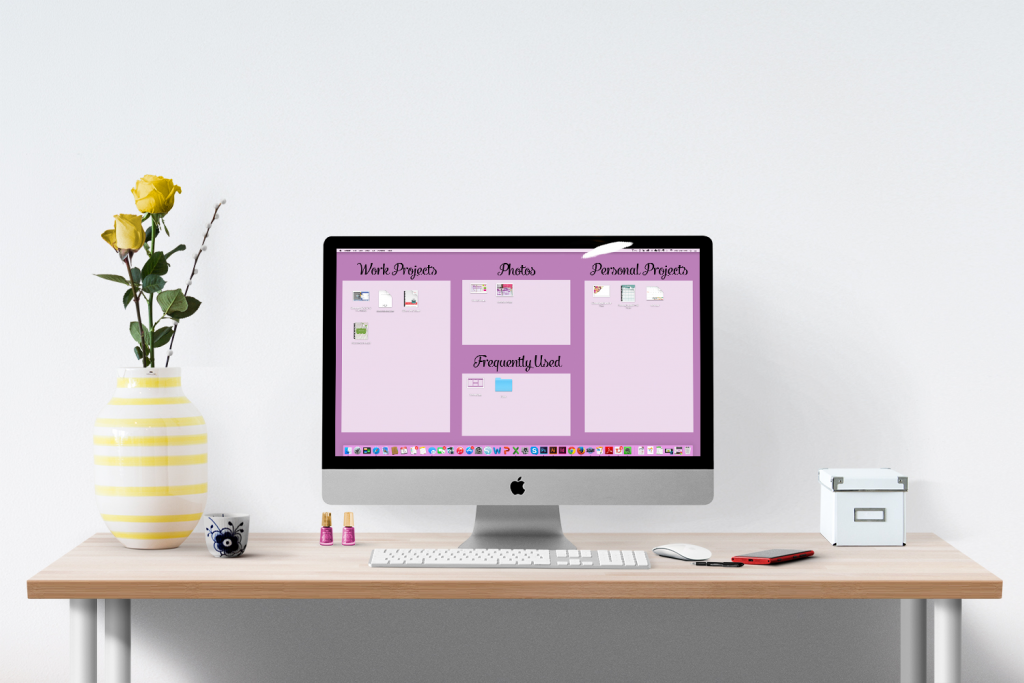
Folders are a brilliant way to keep your tech organized, whether that be your mobile or your laptop. The best way to do this is by starting more generic, so, for example, take photos and then use subfolders to sort them further. So within your Photos folder, you may then have Year subfolders. Within that, images can then be split into months or different trips or projects etc.
This works with virtually anything, from resumes to college work and even music.
You can also make the most of the folders on your phone. In this case, the best way is to generally theme your folders into items such as News, Social, and Health and then place the applicable apps into those folders.
You’ll then know where everything is and simply follow a pathway to get to the information you require.
Use Virtual Sticky Notes
Sticky notes are so useful in day-to-day life, but they do have a habit of going missing. Applications such as Trello are the perfect replacement and act as virtual sticky notes which you can add to your desktop.
It’s a great way of keeping up-to-date with deadlines, leaving little memos for later and ensuring none of these messages ever goes walkabouts. In fact, if you have them on your laptop, they’ll always be going walkabouts with you.
Use a Social Media Manager
Fancy opening your Instagram, Facebook and Twitter account at the same time? Maybe you want to even post the same post across all three. Social media manager services are perfect for this. The likes of Hootsuite will help you fully organize your social accounts and monitor every little bit of engagement you get.
You can schedule posts too, so if you want to post something a little later on, it’s really no problem.
