

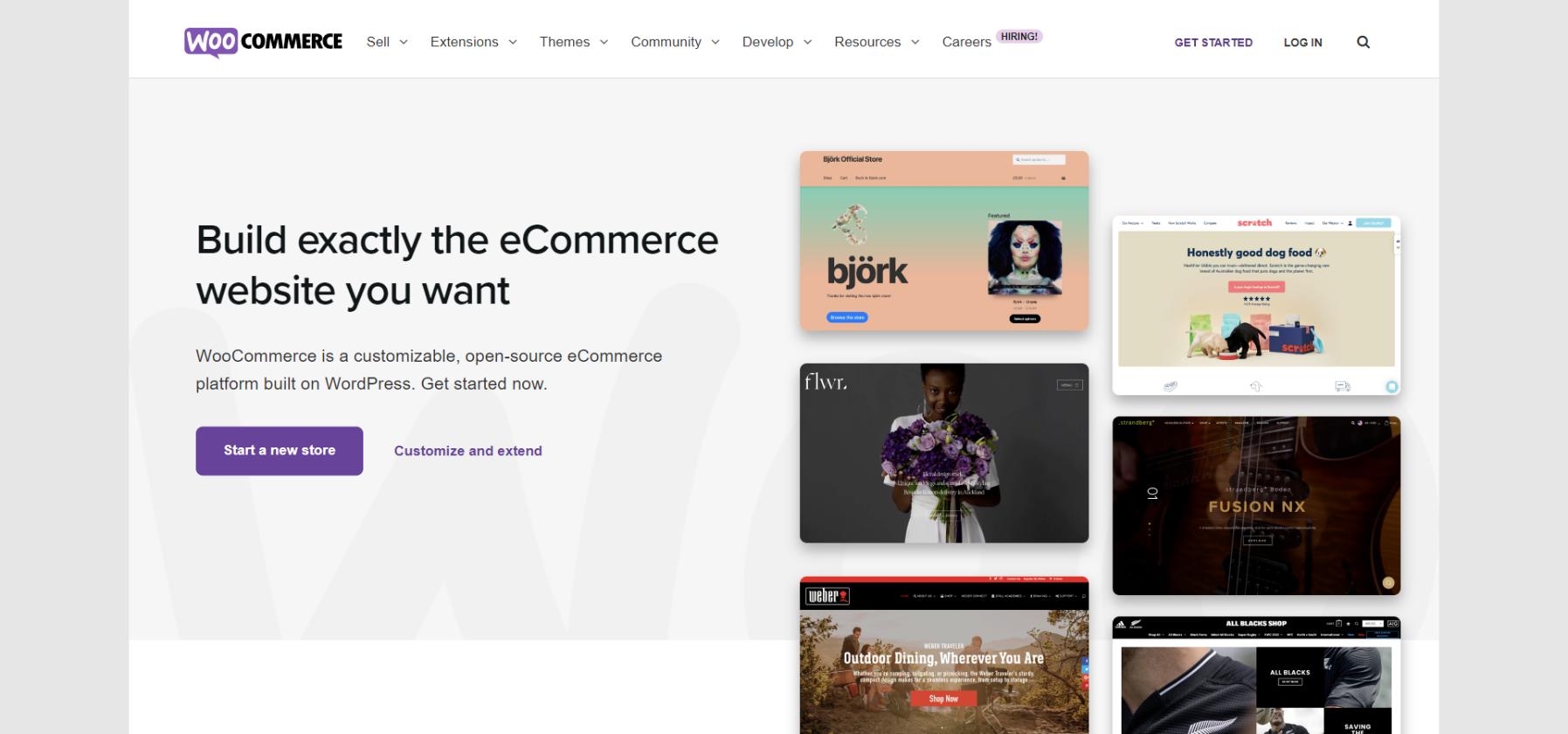
So you’ve decided to set up a WooCommerce store. That’s great! With millions of active users, WooCommerce is one of the most popular eCommerce platforms out there. But just because it’s popular doesn’t mean it’s easy to set up and run a successful store. There are a lot of things to consider if you want to make sure your store is profitable and efficient. This article will discuss eight tips for setting up and running a successful WooCommerce store! Let’s get started
Start With High Efficient Hosting Plan
Hosting is one of the most important factors in determining the success of your WooCommerce store. When it comes to hosting and managing WooCommerce stores, you need to make sure you’re using a high-efficient hosting plan. There are many different hosting providers out there, so do your research and choose one that will be able to provide you with the resources and support you need. Look for a provider that offers 24/seven support, scalability, and security. In addition, also look for a provider that offers a money-back guarantee. Make sure to read the fine print, though, as some providers will only refund you if you cancel within a certain period of time.
Enhance Your SEO Rankings
SEO is one of the most important factors in driving traffic to your WooCommerce store. If you want your store to be successful, you need to make sure it’s ranking high in search engine results. There are many different ways to improve your SEO, but some of the most effective include using keywords in your product titles and descriptions, optimizing your images, and creating quality content. Keywords are one of the most important factors in SEO, so make sure to do your research and find ones that are relevant to your products. In addition, try to use long-tail keywords, as they tend to be more effective than shorter ones. With the right SEO strategies, you can drive more traffic to your store and increase your chances of making a sale.
Keep Security in Mind
When setting up and running a WooCommerce store, it’s important to keep security in mind. There are many different ways to secure your store, but some of the most effective include using a strong password, installing an SSL certificate, and using a secure payment gateway. Your password should be at least eight characters long and should include a mix of upper and lowercase letters, numbers, and symbols. Your SSL certificate will encrypt your website traffic and protect your customers’ information. And, finally, using a secure payment gateway will ensure that your customers’ credit card information is safe.
Pick A Nice, Fast-Loading Theme
The theme you choose for your WooCommerce store can have a big impact on its success. A fast-loading, responsive, and user-friendly theme is essential for any successful online store. In addition to being fast and responsive, your theme should also be easy to navigate and should include all the features and functionality you need. There are many different WooCommerce themes to choose from, so take your time and find one that’s right for you. However, also make sure that your theme is nice-looking since, after all, first impressions do matter.
Get An Effective Cache Plugin
If you want your WooCommerce store to run efficiently, you need to get a cache plugin. A cache plugin will save your pages and posts as static files, which means they’ll load faster for your visitors. In addition, a cache plugin will also reduce the strain on your server, which can improve your website’s overall performance. There are many different cache plugins to choose from, so find one that’s compatible with your WooCommerce store and that offers the features you need.
Increase Memory Limit
The memory limit is the amount of memory your server can use to run your WooCommerce store. If your memory limit is too low, your website will run slowly and may even crash. To avoid this, make sure to increase your memory limit to at least 64 MB. You can do this by editing your wp-config.php file or by contacting your hosting provider. In addition, keep in mind that your memory limit may need to be increased if you install new plugins or add new products to your store. You can always contact your host to have them do it for you as well.
Make Sure You Have a Seamless Checkout Experience
Your WooCommerce store’s checkout process is one of the most important aspects of your business. After all, if your customers can’t check out easily and quickly, they’re likely to abandon their carts and never come back. See it for yourself, imagine a situation where you were buying something online and the checkout process was confusing, took too long, or was simply not working. You would probably be pissed off and would never shop at that store again. To avoid this, make sure your checkout process is simple and easy to use. This means having a one-page checkout, clearly displaying the prices and shipping costs, and offering a variety of payment options. You should also test it regularly to make sure it’s working properly.
And Shipping Experience, Too
The shipping experience is just as important as the checkout experience. In fact, many customers have abandoned their carts because of poor shipping options. To avoid this, make sure to offer a variety of shipping options, including free shipping, flat-rate shipping, and expedited shipping. You should also provide accurate and up-to-date tracking information so your customers can always know where their orders are. Finally, don’t forget to include a “ship to” field on your checkout page so your customers can choose where they want their orders shipped.
By following these tips, you’ll be well on your way to having a successful WooCommerce store. Just remember to take your time, start with a good foundation, and always keep your customers in mind. With a little effort, you’ll be sure to succeed. Hopefully, these tips have helped you, and we wish you good luck!
