

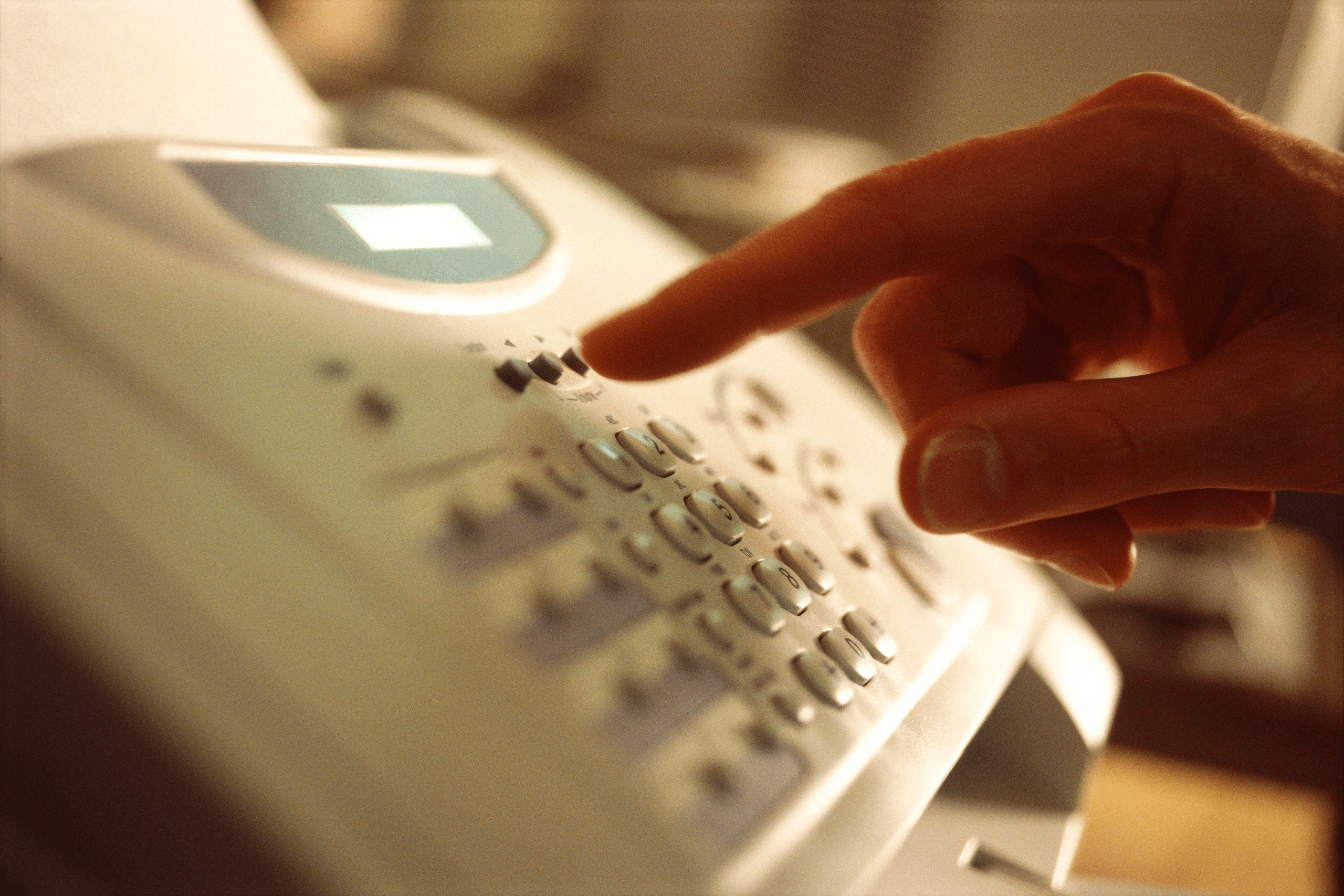
You might think that the traditional fax machine has become obsolete. But you’d be surprised to know that sending faxes is still very much alive. They are still being used, especially in industries like healthcare, legal, and finance, where physical signatures and document security are very important. The good thing is faxing doesn’t require a bulky machine anymore. Online faxing has made sending faxes much easier and more convenient than ever. This guide will walk you through everything you need to know about sending faxes online.
Table of Contents

Understanding Online Faxing
If you are searching for an answer to “How to send a fax online?” here’s what you are looking for. Online faxing eliminates the need for bulky machines and physical phone lines. It involves sending and receiving documents over the Internet through email, mobile apps, or web services. Users can upload a document, enter recipient details, and click send. The service then converts the file into a fax format and delivers it to the recipient’s fax machine or email. The best advantage of online faxing is that you don’t need to be physically near a fax machine. It’s a far more convenient and environmentally friendly way to handle faxed documents.
The Advantages of Digital Faxing
Opting for online faxing has several benefits. First, it enhances accessibility. Documents can be sent and received from anywhere with an internet connection, making remote work more efficient. Next, it reduces costs. There’s no need for paper, ink, or maintenance of a physical machine. Additionally, digital faxing promotes sustainability by reducing paper waste, aligning with eco-friendly practices many businesses strive to adopt.
Security Considerations
While online faxing offers convenience, security remains paramount. Most services use encryption to protect data during transmission. It’s crucial to choose a provider that complies with data protection regulations so that sensitive information remains confidential. Users should also employ strong passwords and regularly update them to enhance security.
Choosing the Right Service
Selecting an online fax service requires careful consideration. Begin by assessing the volume of faxes typically sent and received. Some services offer plans based on the number of pages, while others provide unlimited options. Consider ease of use; a user-friendly interface can save time and reduce errors. Lastly, check for features such as document storage, integration with existing software, and customer support availability.
Setting Up an Online Fax Account
Setting up an account is usually straightforward. Users start by signing up on the chosen platform and providing essential details such as email addresses and payment information. Next, depending on the service, they may need to download mobile apps or browser extensions. Once set up, users can begin uploading documents and sending faxes immediately.
Sending Your First Online Fax
To send a fax, the user selects the document from their device or cloud storage. After entering the recipient’s fax number, they can add a cover page if desired. Before hitting send, it’s wise to double-check the details to prevent errors. Once sent, confirmation is usually provided via email or within the app, ensuring peace of mind that the document has reached its destination.
Receiving Faxes
Receiving faxes online is equally straightforward. Incoming faxes typically arrive as email attachments or notifications in the app. Users can view, download, or print these documents as needed. Having a dedicated email ID for faxes can help manage them efficiently and keep personal and professional communications organized.
Troubleshooting Common Issues
Occasionally, users may encounter issues like failed transmissions or poor document quality. Ensuring a stable internet connection often resolves these problems. If difficulties persist, consulting the service provider’s help resources or customer support can provide solutions. Regularly updating software and apps also helps prevent technical glitches.

Adopting Best Practices
Adopting best practices is advisable for a seamless experience. Keeping contact lists updated prevents sending faxes to outdated numbers. Organizing documents in clearly labeled folders aids in quick access and retrieval. Regularly reviewing and archiving old faxes helps maintain an organized digital workspace.
Conclusion
Online faxing offers a modern alternative to traditional methods, providing efficiency, cost-effectiveness, and environmental benefits. Users can fully leverage its advantages by understanding how it works and choosing the right service. With the right setup and practices, sending and receiving online faxes becomes a streamlined part of any workflow. Embracing this technology empowers individuals and businesses to stay connected and productive in a digital world.
