

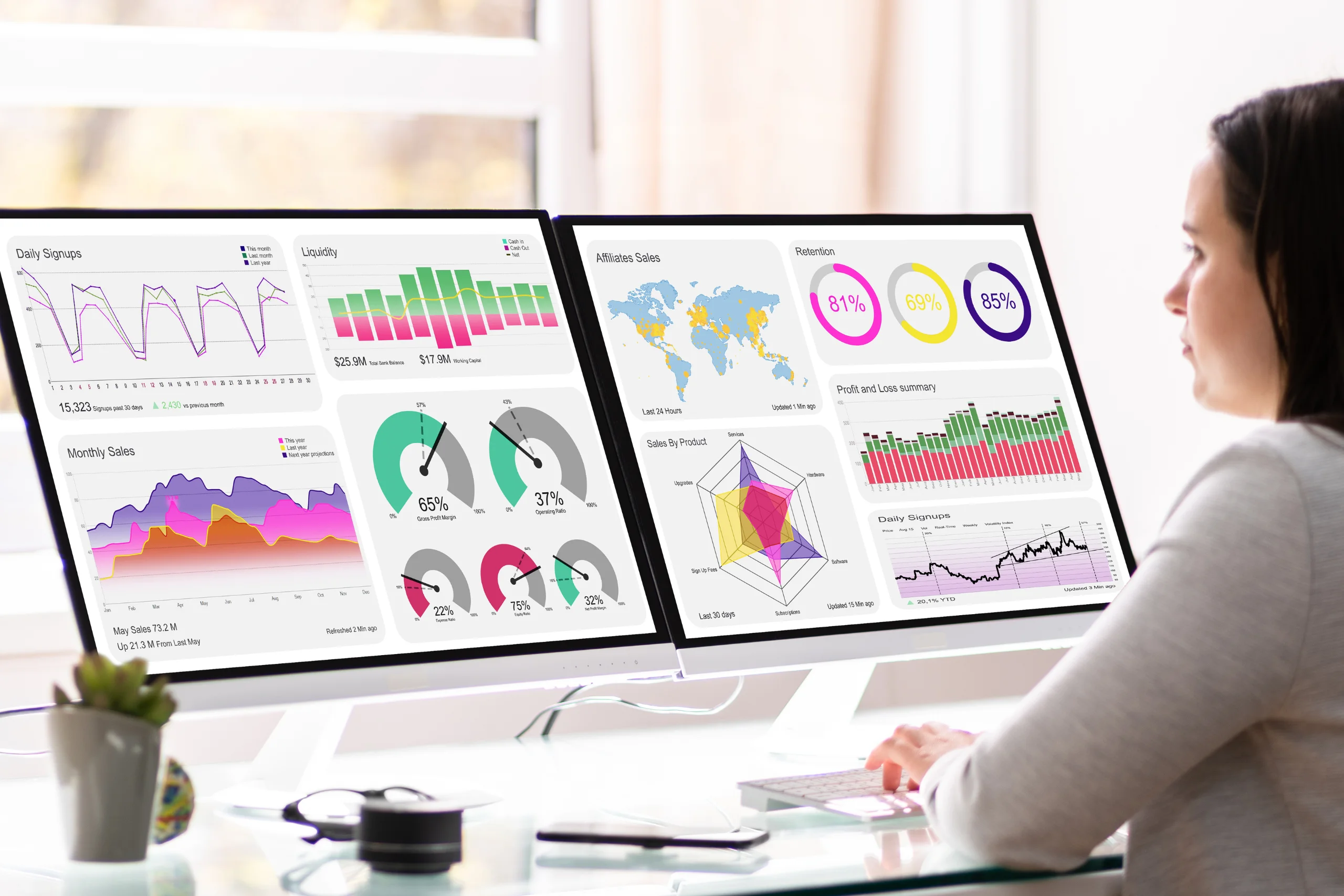
Relying solely on intuition for business decisions isn’t enough in today’s competitive market. Businesses must lean on data to shape their strategies and daily operations. Studies indicate that while about 25% of organizations base nearly all their strategic decisions on data, 44% have most decisions informed by data. This gap highlights a significant opportunity for many companies to derive more value from their data. Business intelligence dashboards are crucial, transforming scattered information into clear, actionable insights that enable teams to make informed decisions.
Designing a dashboard that satisfies a range of stakeholders demands careful consideration. It involves more than just good looks; it focuses on functionality, precision, and the ability to scale. Let’s discuss the characteristics that make a business intelligence dashboard truly effective.
Table of Contents
Customizable Data Visualization
A business intelligence dashboard excels when it offers flexible data visualization options. Users should be able to customize visual elements to suit their specific needs. For instance, an executive may prefer a broad summary of critical metrics, whereas a data analyst might need detailed graphs for a comprehensive analysis. Customization connects these needs, allowing users to interpret the data in a way that aligns with their job functions.

Modern tools provide templates and customizable interfaces that accommodate diverse visualization needs. A great example is how certain platforms simplify the process of creating dashboards tailored to specific use cases, like sales tracking or customer engagement metrics. With an intuitive design, these tools allow users to highlight relevant data points and remove unnecessary clutter, ensuring clarity and focus. Customization transforms dashboards from static reports into dynamic tools for decision-making.
Real-Time Data Updates
Stale data undermines the effectiveness of any BI dashboard. Timely decision-making depends on up-to-date information, which highlights the importance of real-time data integration. In fast-moving business settings, delays in updating data can lead to missed opportunities or significant losses. Dashboards need to incorporate updates automatically and consistently.
Real-time updates not only ensure accuracy but also enhance trust in the dashboard as a reliable source. When teams know that the numbers they see reflect the latest performance metrics, they can act decisively. For example, sales teams tracking daily performance need real-time data to adjust their strategies mid-campaign. Without this capability, the dashboard becomes a static tool that lags behind reality.
User-Friendly Interface
A successful dashboard serves users at all skill levels. An intuitive interface allows everyone, from executives to operational staff, to use the dashboard effortlessly. Overly complex or cluttered designs deter use and diminish the tool’s value.
Design simplicity goes hand in hand with functionality. Clear labeling, logical navigation paths, and interactive elements enhance usability. For example, interactive charts and simple filtering make it easier for users to navigate complex data without extensive training. Dashboards should be approachable, enabling users to conduct their analysis with confidence. Usability is key to making dashboards essential in everyday tasks.
Integration with Multiple Data Sources
Data spans many platforms, from CRM systems to ERP tools. When a business intelligence dashboard integrates smoothly with these sources, its value increases significantly. This integration offers a unified view of data, removing the need to switch between applications.
Effective integration also reduces errors caused by manual data aggregation. For instance, a dashboard pulling data directly from marketing platforms, financial systems, and inventory databases provides a unified view of the business. This comprehensive approach fosters collaboration, as teams can align their strategies based on consistent information. Moreover, integration paves the way for predictive analytics by combining historical data from various sources.

Advanced Filtering and Drill-Down Capabilities
A thorough dashboard provides more than basic insights. Detailed filters and the ability to explore data layers allow users to discover specific patterns or irregularities. This is crucial for analyzing performance from various angles, including different times, places, or product types.
For instance, a sales manager analyzing revenue might sort the data by region to spot which areas are performing best. Drill-down options allow further exploration, such as examining individual customer contributions or campaign effectiveness. These capabilities empower users to answer complex questions without relying on external tools or manual calculations. They also enhance the dashboard’s value by making it a comprehensive solution for data analysis.
Final Thoughts
A well-designed business intelligence dashboard turns raw data into practical insights. Key features such as customizable displays, updates in real-time, easy-to-use designs, smooth system integrations, and detailed filtering help organizations get the most from their dashboards. These tools improve decision-making and encourage a culture focused on data throughout the organization.
Improving your BI dashboard begins by reviewing your current tools and pinpointing what needs to be better. Choosing the right features and tools helps businesses stay competitive in a world that values data. A thoughtfully crafted dashboard provides teams with the clarity and assurance they need to put insights into practice.
