

A move is one of the few moments when every file, folder, and system in your home business is already in your hands. Instead of hauling outdated paper systems into a new space, you can use the disruption to digitize your business, simplify workflows, and eliminate clutter for good. This guide shows how using a move to digitize your home business can save time, reduce stress, and create a lighter, more flexible way of working.
Key Takeaways
- A move creates a natural reset point for replacing paper systems with digital workflows.
- Paper files slow productivity, limit flexibility, and take up valuable workspace.
- Sorting documents during packing helps you scan only what matters and safely shred the rest.
- Affordable tools like smartphone scanning apps and basic scanners are enough for most home businesses.
- Cloud storage makes files accessible, secure, and easy to share from anywhere.
- Simple folder structures and clear file names prevent digital clutter from replacing paper clutter.
- Backups protect your business from accidental deletion, sync errors, or account issues.
- Long-term success depends on building paper-free habits after the move—not just digitizing once.
A move does more than change your address—it disrupts routines, breaks habits, and forces you to make decisions. For home business owners, that disruption is rare and powerful. Every file, folder, receipt, and system is returned to your hands at once. In that moment, you get to decide not just where your business will operate next, but how it will run.
Instead of hauling boxes of paper into a new space and recreating the same inefficiencies, a move gives you the chance to reset. Using a move to digitize your home business turns packing and unpacking into a strategic upgrade—one that replaces clutter with clarity and paper bottlenecks with flexible, cloud-based systems. This isn’t about becoming more technical. It’s about making your business lighter, easier to manage, and better prepared for growth.
Table of Contents
Why Paper Systems Hold Home Businesses Back
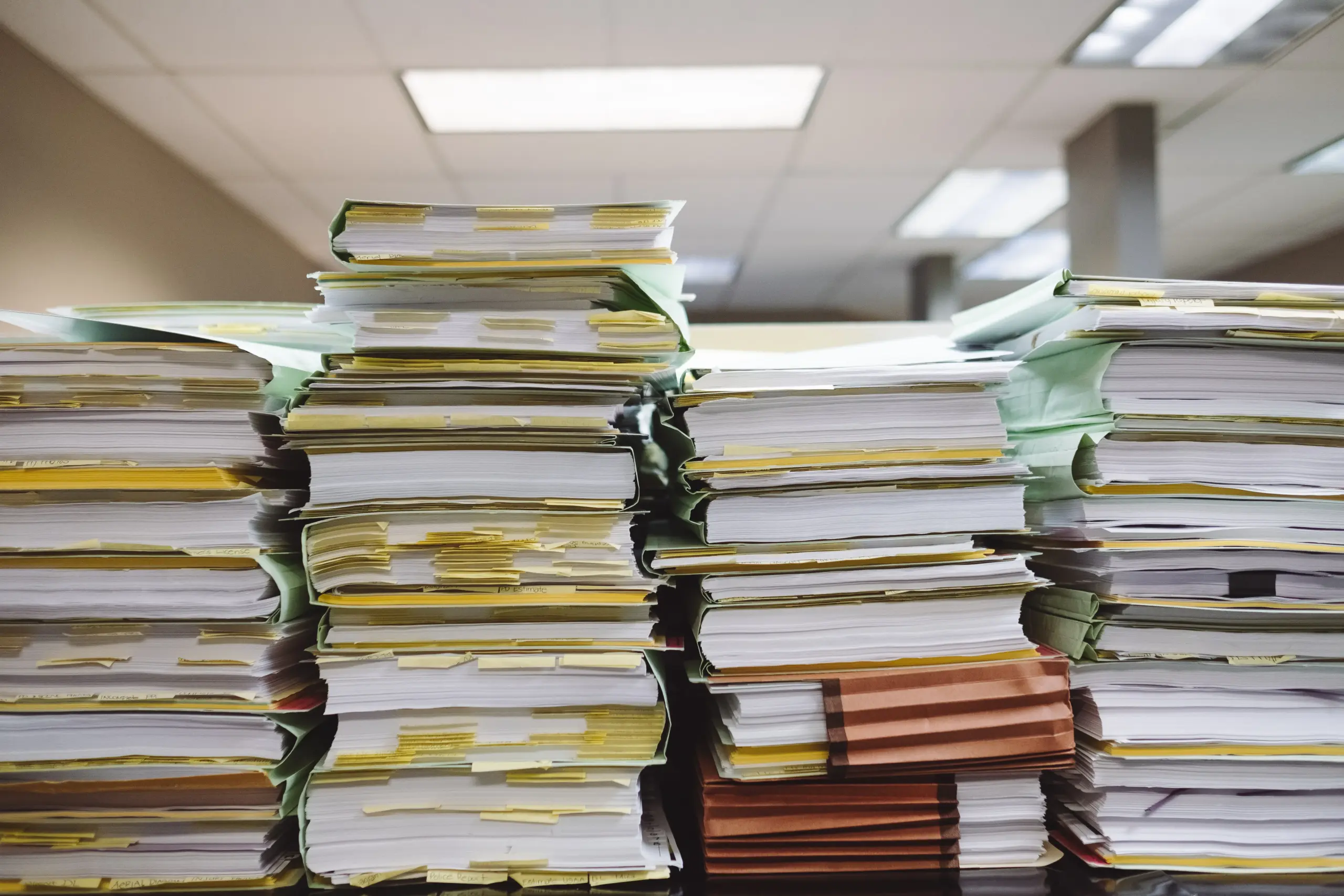
Paper systems slow you down in small ways that add up fast. You lose minutes searching for files, then lose focus once you find them. Over time, those interruptions chip away at your daily output.
Paper also limits how and where you work. You cannot access files while traveling or working from another room. If something spills, tears, or disappears, the damage often stays permanent.
Storage creates another quiet problem. Cabinets and boxes take up space meant for work or living. That clutter affects how you think and how efficiently you move through tasks.
How a Move Creates the Perfect Digitizing Window
A move gives you a rare window where every file and box gets handled. While you pack, sort, and label, you already think about what matters and what can go. If you live somewhere with unpredictable weather like Florida, great rain or summer heat can make paper degrade fast before you even unpack.
You can make that transition smoother with help from pros like Big Man’s Moving Company who handle your physical move so you focus on digital tasks. They move your items with care so you can scan and sort without scrambling at the last minute. With trusted support in the background, you take full advantage of the move to build a clean, cloud‑based setup.
Decide What to Scan and What to Shred
Not every document belongs in the cloud. Some papers are outdated, duplicates, or no longer needed. Sorting while you pack keeps you from wasting time scanning unnecessary files.
Start with anything that affects your finances, contracts, or client agreements. These often have legal or tax value, so scanning them keeps them safe and accessible. For items like receipts or notes, check retention rules before deciding.
Once you scan the important files, shred the rest. This frees space, lightens your move, and prevents accidental misuse. A clear system now saves hours and stress later, keeping your home office clutter‑free.
(Photo by Mahen Rin on Unsplash)
Simple Scanning Tools That Fit Small Budgets
You don’t need fancy equipment to digitize your business. Even a smartphone can turn paper into clear digital files in minutes. Many apps let you scan, crop, and save directly to cloud folders without extra hardware.
If you have larger stacks, a basic flatbed scanner works well. It produces higher-quality scans and handles multiple pages faster. Make sure to name files clearly while scanning to avoid searching later.
For small businesses, phone apps and affordable scanners cover most needs. Pair them with cloud storage and a simple folder system, and you can ditch boxes of paper without breaking your budget. Efficiency doesn’t have to cost a fortune.
Choosing Cloud Storage Without Technical Stress
Cloud storage allows you to access your files from any device, wherever you are. It eliminates the risk of losing or damaging paper documents while keeping your business flexible. A move is the perfect time to go digital and get your files organized.
Services like Google Drive, Dropbox, and OneDrive offer plans designed for small businesses. They provide folder sharing, file versioning, and basic security without requiring technical expertise. Choose a plan that fits your file volume and the number of devices you need to connect.
Set clear rules for who can view or edit your files. By using consistent file names and a simple folder structure, cloud storage saves time instead of adding extra work. This approach makes your transition to digital files smooth and stress-free.
Create a Folder System That Stays Simple
A simple folder system saves you time and prevents frustration. Start by organizing folders based on how you work, not how you think others expect. Clear, consistent names make files easy to find, even months later.
Consider separating folders by client, project, or year. Keep subfolders shallow to avoid endless clicking. For example, a “Clients” folder can hold each client’s name, with only the most important documents inside.
Stick to short, descriptive file names. Include dates or project codes when helpful. With a clean structure, you spend less time searching and more time running your business, making digital organization feel effortless.
Backups Protect You From Costly Mistakes
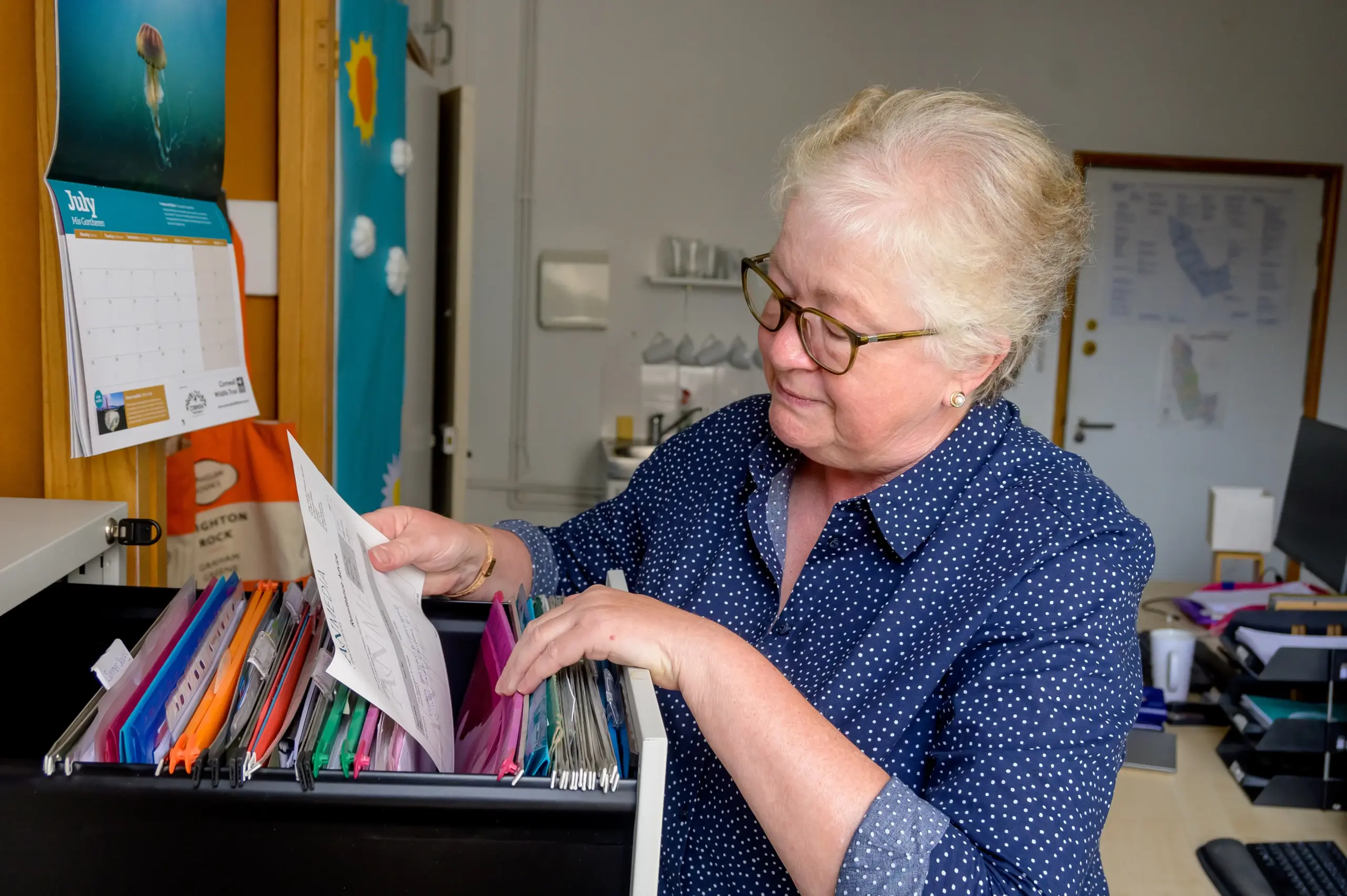
Even with cloud storage, mistakes happen. Files can be deleted accidentally, accounts can be hacked, or sync errors can occur. Backups act as a safety net, giving you peace of mind and protecting your business from lost work.
Set up automatic backups whenever possible, and keep a second copy on an external drive. Check backups regularly to confirm they work. By maintaining simple, consistent backup habits, you reduce risk and keep your digital system reliable without adding extra stress.
Train Yourself to Stay Paper Free After Using a Move to Digitize Your Home Business
Old habits can quickly bring paper back into your workflow if you’re not careful. To prevent this, develop routines that keep documents digital from the start. Regularly scanning invoices, receipts, and notes helps you stay organized and reduces clutter. Using a move to digitize your home business is just the beginning; maintaining the system matters most.
Set aside time each week to review new files and add them to the right folders. Handle incoming mail and documents digitally whenever possible. With consistent habits, your home office stays clear, and your digital setup continues to save time and stress.
A Lighter Business Starts With Fewer Boxes
A move gives you more than a new address—it gives your business a fresh start. By letting go of unnecessary paper and switching to digital systems, you create space to think, plan, and grow. Using a move to digitize your home business transforms the chaos of packing into an opportunity for clarity and focus.
Fewer boxes mean less stress and more freedom. Your workspace becomes easier to manage, your files easier to find, and your day-to-day tasks smoother. This reset isn’t just about storage—it’s about setting up a home business that runs smarter, faster, and lighter from the very first day.

FAQ
How do I digitize my home business during a move?
Digitizing your home business during a move starts with sorting documents as you pack. Identify essential papers such as contracts, tax records, and client files, and scan those into organized digital folders. Shred outdated or unnecessary documents to reduce clutter. Using a move to digitize your home business works well because you already handle every file, making it easier to decide what stays, what goes, and what moves to the cloud. This approach saves time and prevents old paper systems from re-entering your workflow.
What business documents should be digitized?
Documents that affect finances, legal compliance, or client relationships should be digitized first. These include tax records, invoices, receipts, contracts, insurance documents, and client agreements. Digitizing these files protects them from loss or damage and allows quick access from anywhere. Less critical papers, such as outdated notes or duplicate copies, can usually be shredded after review. The goal is to digitize what adds value to your business while eliminating unnecessary paper.
Is cloud storage safe for small home businesses?
Yes, cloud storage is generally safe for small home businesses when used correctly. Reputable providers offer encryption, access controls, and file versioning that protect data better than paper files or a single computer. Setting strong passwords, enabling two-factor authentication, and limiting editing permissions further improves security. Combined with backups, cloud storage reduces the risk of data loss while increasing flexibility and accessibility.
What is the easiest way to scan business documents?
For most home businesses, the easiest way to scan documents is by using a smartphone scanning app. These apps allow you to scan, crop, and save files directly to cloud storage in minutes. For larger volumes of paperwork, an affordable flatbed scanner speeds up the process and improves scan quality. Naming files as you scan them prevents confusion later and keeps your digital system easy to manage.
How do I keep my business paper-free after a move?
Staying paper-free requires consistent habits. Scan new documents as they arrive, handle invoices and receipts digitally, and schedule weekly file organization time. Using a move to digitize your home business sets the foundation, but ongoing routines prevent paper from creeping back in. When digital systems are simple and reliable, they become easier to maintain than reverting to paper.
