Now that you’ve already planned your webinar, you need to draw more attendees. A well-made webinar landing page can help you get landing page visitors and convert them into attendees.
Achieving a high-converting webinar landing page requires a seamless experience that matches your webinar topic. It should also be a page your target audience will love. This guide will outline building a great webinar landing page that draws sign-ups from interested visitors.
Table of Contents
1. Have a Compelling Headline
Before you get started on any webinar landing page template, write a compelling headline to grab the audience’s attention. It’s the first thing site visitors notice when they stumble upon your website. The headline will tell them why they should attend your upcoming event and will serve as your webinar title.
Follow these tips when crafting a headline:
- Make it clear, concise, and relevant to the topic.
- Use action-oriented language.
- Make sure the headline’s tone resonates with your audience.
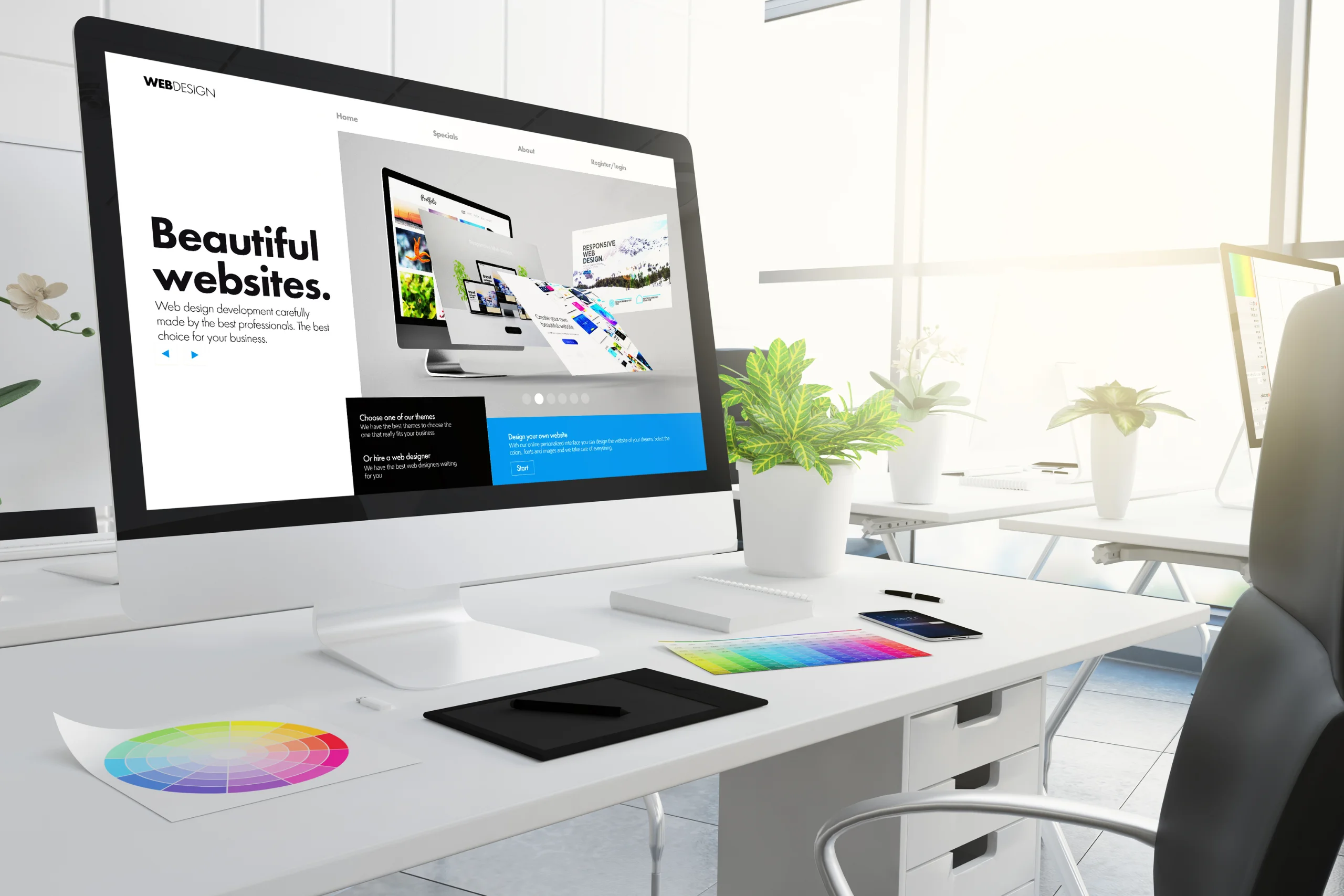
2. Create a Clear and Engaging Design
Use a clean layout for your webinar landing page design for easier navigation. It should guide landing page visitors to the registration form with minimal distractions.
Make your landing page more appealing by:
- Picking colors that suit your brand.
- Using high-quality images and videos for more visual appeal.
- Including white space to improve the site’s readability to users.
Take some time to research webinar landing page examples to get inspired on how you can create a unique design. You can also model your landing page after a certain webinar landing page template you came across online.
3. Highlight the Value
Once your visitors are on your landing page, give them a reason to sign up for the webinar. Outline all of the benefits in bullet points to make them skimmable.
Address what they will learn from the webinar, how it will solve their problems, and why your upcoming webinar is unique. Just like crafting the headline, use concise language to write these benefits.
4. Optimize the Registration Form
The webinar registration form is a make-or-break element in your webinar landing page. It should be simple and informative, containing only essential details to keep visitors interested.
To optimize the registration form, you should:
- Keep everything short. If possible, get only the visitor’s name and email.
- Don’t ask too much personal information from users.
- Use a mobile-friendly layout, so users can fill out the registration page from their mobile phones.
Making it easy for users to sign up on your webinar registration landing page may boost your reviews with user-friendliness.
5. Use Social Proof and Testimonials
Add comments and testimonials from previous webinar attendees to build trust and credibility with new participants. Show the number of registrations who have attended your webinar so far. If you’re working with reputable organizations, show their logos prominently on your page to encourage visitors to sign up. This social proof can help create a massively converting webinar landing page.
6. Include a Strong Call-to-Action (CTA)
The CTA should prompt visitors to take a specific action. When creating your CTA, use action-driven phrases that urge people to take action.
A few examples would be:
- “Sign Up Now!”
- “Get Your Spot Today!”
- “Don’t Miss Out!”
- “Register for the Webinar Now!”
Place the CTA button where it stands out visually from the rest of the content. Include details about the webinar’s time, date, duration, key speakers, and agenda breakdown to give visitors an idea before clicking the CTA.

7. Optimize for SEO and Mobile Users
Webinar landing page optimization is essential to reach a bigger audience with your webinar. Begin the optimization with these steps:
SEO
- Use Relevant Keywords: Insert these words in the headlines, content, meta titles, and meta descriptions so that search engines can detect them.
- Optimize Images: Compress all images you have for the page and add a descriptive alt text.
- Build Backlinks: Share the registration page on blogs, websites, and social media to boost your rankings.
Mobile
- Use a Responsive Design: Make sure the landing page fits in different screen sizes.
- Fast Loading Speed: Compressing media and using a clean code are the keys to a fast-loading webinar registration form.
- Mobile-Friendly Buttons: Test the CTA buttons to see if they’re large and easy to tap.
- Less Clutter: Keep your registration page running with minimal content as much as possible.
8. Test Your Landing Page
Test alternatives for the headlines, CTA placements and wordings, and the overall webinar landing page design to see which one works better. Take your final pick after the testing and apply it to the final design. You may need to make a few adjustments to the event details if you’re creating an evergreen webinar landing page.
Parting Words
Following these practices can help you create a good webinar landing page. Keeping the content simple, placing good CTA buttons, and simplifying the registration process can encourage site visitors to join the webinar in no time. You should highlight the value of your webinar and be patient in testing which of the initial designs better suits the registration page.
Create your webinar landing page using a trusted webinar platform. It has all the useful features to create a simple yet seamless registration form that will attract people to your webinar.