


Now that we have video creation ability for whatever needs we have, making training videos for employees is increasingly popular. Training videos can cover a wide range of areas, and can be an invaluable tool for managers and employees alike. In fact, a recent survey indicated that 74% of companies polled used videos for training their employees.
In the sections below, we will describe the benefits that creating training videos can provide, as well as how to record them.
Table of Contents
What are training videos, and why should you create them?
Training videos are a much more useful and interesting way to present the rules and operations of a business to employees than manuals. In creating training videos, you can illustrate company procedures to employees in a clear and understandable way.
With videos, employees get far more than a general understanding of office rules and procedures. You can provide visual step-by-step illustrations of processes that give employees a greater sense of what your company in particular is all about. They can also help reduce costs as employers don’t need to conduct lengthy training sessions that consume time and resources.
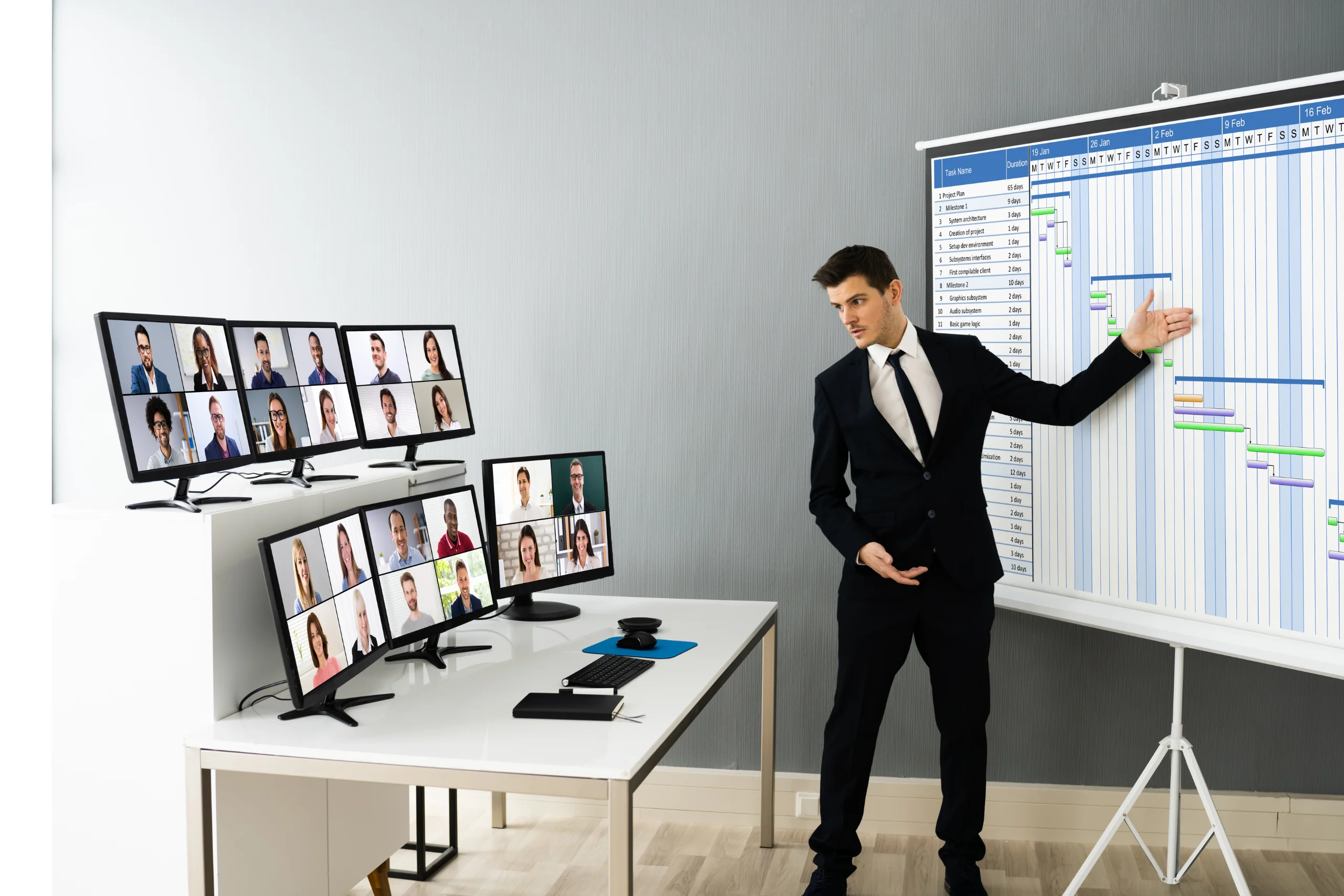
How to record training videos
There is a specific set of instructions that you should follow when creating training videos for your employees. They include the following:
- Think about what you want to relay to your employees and in what order. During the initial phases of preparing to create a video, you should write out a list of key points that you want to get across. There are many different kinds of videos that you can create, including onboarding, learning new software, learning particular company procedures, etc. During the preparatory phases of creating any given video, you will gather all this information together. This includes the creation of any PowerPoints, images, etc that will be used in your video.
- Create a script for your video. You don’t want to just read your ideas off the top of your head. You should think carefully about the exact words you use so that what you relay to your employees is clear, precise, and can be used for every set of new employees that joins your team. Your script should contain at least one call to action as of course you are instructing people to do something practical.
- Set up your system and space for recording. Physically preparing for a recording means several things: making sure that your system is in order, including software, microphones, webcam, etc. It also means making sure the room you record in is in the right shape. You should remove any clutter that might be distracting to look at and be sure that you are in the right space to create a truly professional looking video. Test the lighting and make sure that anything you want to be seen clearly is in the right place. If you are going to be illustrating points on a whiteboard, for example, be sure that your lighting is set up so that your writing will be absolutely clear to viewers.
- When it comes time to make a screen recording on Mac or Windows, make several test runs to check for visual and audio clarity. If your speech or any other element is off, you should redo the segment in question. Remember that you are creating videos that will be kept in your company archives for potentially years to come, so you want to do them right.
- When you’ve got the right recording, you can add any extra effects that will emphasize or draw out important aspects of your training. On-screen text, audio effects and other additions will help further solidify training points in the minds of your employees.
Conclusion
Training videos are an essential part of efficient company functioning. Taking the time to create them the right way will save you a lot of time and resources in the future. So think about which aspects of company training you think could be put into video format and start putting them together now.
