
Creating a successful blog isn’t just about what you say—it’s about how you present it. While high-quality content is the foundation, even the most insightful posts can get buried or overlooked if your blog design doesn’t support readability, discoverability, and user engagement. Research-backed best practices in user experience (UX) and web design confirm that blog layout, structure, and visuals significantly influence how long visitors stay on your site—and whether they return.
Table of Contents

The Value of High-Quality Content
Your content is your blog’s most valuable asset. A study by the Content Marketing Institute found that 70% of people prefer to learn about a company through articles rather than ads. But content alone isn’t enough. According to the Nielsen Norman Group, users often leave web pages in 10–20 seconds, but pages with clear value propositions can hold people’s attention much longer. That means your content must be both valuable and easy to consume.
When visitors find your content entertaining, educational, or helpful, they’re more likely to share it with their network. High-quality, shareable content also earns backlinks, which is one of the top-ranking factors in Google’s search algorithm according to Backlinko’s 2024 SEO ranking factors report.
However, none of this matters if your blog layout doesn’t support your content. Let’s explore how to design your blog so it elevates your message, attracts more visitors, and encourages deeper engagement.
1. Decide on the content of your blog.
Designing a successful blog involves more than just producing high-quality content; it requires a strategic approach to content planning and presentation. Before delving into the aesthetics of your blog, it’s crucial to define the nature and structure of your content. Consider the following key questions to guide your content strategy:
- Content Format: Will your blog feature traditional narrative posts, instructional guides, product updates, or a combination? Determining this will influence your blog’s overall design and user experience.
- Topic Diversity: Are you focusing on a single subject, or will your blog encompass multiple themes? Clarifying this helps in organizing categories and navigation menus effectively.
- Visual Integration: What role will images and multimedia play in your posts? Incorporating relevant visuals can enhance engagement, as studies have shown that articles with images receive 94% more views than those without.
- Featured Content: Do you plan to highlight specific posts or pages? Featuring cornerstone content can guide readers to your most valuable insights and increase time spent on your site.
- Content Series: Will you publish multi-part articles or ongoing series? This approach can encourage repeat visits and build a loyal readership.
- Multimedia Elements: Are videos or podcasts part of your content strategy? Including diverse content types can cater to different audience preferences and enhance user engagement.
- Monetization Strategies: If you intend to incorporate advertising, what formats and placements will you use? Thoughtful ad integration ensures monetization without compromising user experience.
- Interactive Features: What tools will you implement to foster user interaction, such as comment sections, forums, or social media integrations? Engaging features can build a community around your blog and encourage user participation.
According to HubSpot’s 2023 State of Marketing report, blogs that are structured around pillar content and topic clusters perform significantly better in terms of search visibility and user engagement. Knowing your content format helps guide the layout and flow of your site, ensuring it supports—not hinders—your strategy.
By thoroughly addressing these questions, you lay a solid foundation for your blog’s design, ensuring that it effectively showcases your content and resonates with your target audience.
2. Select the layout that could showcase your content.
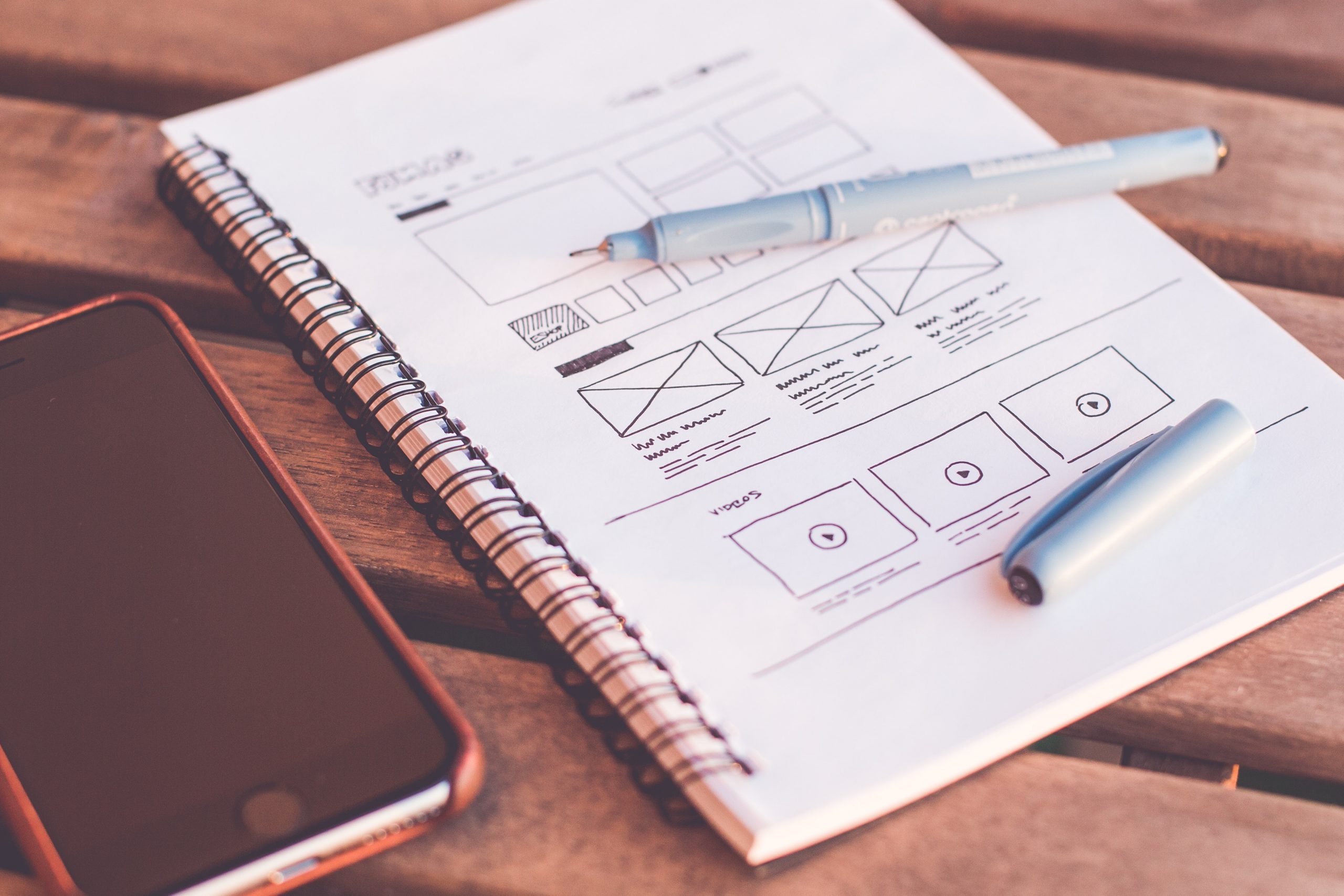
The layout you choose must help users find what they’re looking for quickly. The most effective blog layouts prioritize:
- Content-first approach: Display main articles prominently.
- Logical hierarchy: Use headings, categories, and tags to organize content.
- F-shaped reading pattern: Based on eye-tracking studies by Nielsen Norman Group, users naturally scan pages in an F-shaped pattern. This means placing key content along the left and top of the screen yields the most engagement.
Common layouts include:
- Content/sidebar
- Sidebar/content/sidebar
- Grid-based magazine layouts
Each has its pros and cons, but the right one for your blog will depend on the type and amount of content you publish.
3. Choose a theme that highlights content, not just design
According to a study by Chartbeat, 55% of visitors spend fewer than 15 seconds on a page. A thoughtful design that directs users to your most compelling content can significantly improve session duration and reduce bounce rates.
Blogs are typically arranged in reverse chronological order, with the newest (latest or most recent) post right at the top and followed by older posts. However, this default blog setup limits the way you can highlight, organize, or even showcase specific content. Plus, you may have excellent yet older blog posts that will effectively be buried and harder for your audiences to find because the default setup cannot show older content.
Think of how you want to present your information. Then, choose a blog design that will most effectively showcase your content. A wide variety of themes (or pre-made blog templates) are available on common blog platforms such as WordPress. Some of these themes are free, while many are paid premium themes.
Choose the theme that can highlight key features and content that is central to your blog and which will hook readers into what the blog is about (thereby increasing page views). Premium WordPress themes like Astra or GeneratePress are popular for their speed, flexibility, and content-forward designs. If budget permits, consider hiring a developer to customize your theme for a unique experience that reflects your brand.
Remember though: you can always tweak the themes you use and customize it for the design you have in mind for your blog. If you are not adept in programming, be prepared to hire someone to customize your blog according to your specifications.
4. Leverage the sidebar strategically.
The sidebar remains a prime area for increasing engagement. Data from Crazy Egg heatmaps shows that content above the fold in sidebars receives significant attention. Use this space for:
- Popular or recent posts
- Newsletter signups (high-converting for blogs)
- Embedded social media feeds
- Tag clouds or categories
- Advertising blocks (placed thoughtfully, not intrusively)
Here are examples of how top blogs use their sidebar:
- Huffington Post http://www.huffingtonpost.com = ads and invitation to advertise on the side; list of most popular posts including thumbnails and other featured content
- Mashable http://www.mashable.com = email subscription of updates, links to the site’s social media presence (e.g. Facebook, LinkedIn, etc.), top posts and various advertising
- Gizmondo http://www.gizmond.com = lists tags of the topics found in the article and related posts.

5. Feature key content on your homepage.
Featuring posts on your homepage—especially with a rotating slider or curated “Editor’s Picks”—is a proven way to increase visibility of your best work and highlight posts for your readers. It can be your biggest story of the day or week, the best posts in your blog, or your newest post. Typically, compelling photos accompany featured posts, so consider investing in stock photography or taking your own photographs. According to HubSpot, blogs with homepage content modules that display featured posts get up to 25% more internal clicks than those with a flat reverse-chronological format.
Another way is to add rotating gallery of your featured posts. Having a content slideshow allows you to feature important posts that would have been pushed back by newer posts. It can also be an effective way to presenting the viewer with additional content that they can visit by clicking on the slide or text currently visible in the presentation window. Using the slider to feature other content is an excellent way to entice your blog visitors to go deeper into our blog. You can even use it to recycle older content that would otherwise be lying dormant in your blog archives.
If you’re using WordPress, plugins like Smart Slider or MetaSlider make this easy. Just remember: quality visuals are key. Images in sliders can increase engagement by up to 94% compared to text alone, as per MDG Advertising’s visual content study.
6. Use visuals to make posts more engaging
Images take your blog to the next level, making your posts more interesting. The photos add color and interest to your blog. Visual content doesn’t just break up walls of text—it boosts performance. According to a 2024 report by Venngage, blog posts with images get 94% more views than those without. Moreover, using infographics, charts, and illustrations can increase retention and time-on-site.
Create thumbnails or visual summaries using original photos, quality stock imagery, or tools like Canva. Huffington Post famously uses thumbnails throughout its layout to boost content discovery and has long maintained a high average pages-per-session as a result.
You can use photos in your featured posts. You can also highlight your content using thumbnails of your photos. Huffington Post, for example, effectively uses thumbnails to showcase their other content, both in a rotating gallery below the menu navigation and in the sidebar. As a result, the Huffington Post’s pageviews per user is at 3.2, per Alexa.com. It is much easier to be drawn into the other content at the Huffington Post, and the numbers show that visitors are reading more content on their site.
Final Thoughts on Blog Design
Design and content must work together to create a blog experience that keeps readers returning. Studies confirm that users form impressions of your website in just 0.05 seconds, according to Google’s Web Vitals team. Even your best-written content may go unnoticed if your blog isn’t visually compelling or easy to navigate.
Whether you’re launching a new blog or rethinking an existing one, focus on layout, structure, and visual presentation just as much as the words on the page. A smart design transforms casual visitors into loyal readers—and loyal readers into advocates who drive traffic, leads, and long-term success.
The article was originally published on August 8, 2010 and updated on March 28, 2025.

Fed up with getting low amounts of useless traffic for your website? Well i want to inform you of a fresh underground tactic that produces me personally $900 daily on 100% AUTOPILOT. I really could be here all day and going into detail but why dont you merely check their website out? There is really a excellent video that explains everything. So if your seriously interested in producing effortless hard cash this is the site for you.
Fed up with getting low amounts of useless traffic for your website? Well i want to inform you of a fresh underground tactic that produces me personally $900 daily on 100% AUTOPILOT. I really could be here all day and going into detail but why dont you merely check their website out? There is really a excellent video that explains everything. So if your seriously interested in producing effortless hard cash this is the site for you.
Wow. That was well written and in depth. I would also highly recommend that you use a service like Aweber to automate your mailing list and then use it to send posts automatically to your list. This has worked very well with our blog – http://www.start-cleaning-business.com/start-a-cleaning-business-blog.html
Wow. That was well written and in depth. I would also highly recommend that you use a service like Aweber to automate your mailing list and then use it to send posts automatically to your list. This has worked very well with our blog – http://www.start-cleaning-business.com/start-a-cleaning-business-blog.html
Yeah! I agree with this article. Blog design really effect the visitor. I am experience designer 😀
Yeah! I agree with this article. Blog design really effect the visitor. I am experience designer 😀
Hi,
By reading the name of blog, viewer makes a rough sketch in is mind about it. So, title must be more attractive and appropriate to the writing. After this, there comes the inner part of blog. In this part we have to provide the most relevant information according to our title. Every line and part of this writing should be clear and easy to understand as your research should be wise according to that specific blog content. There must be available a reference news related to the same topic to make it more clear for public. Language, writing, length of blog, all these thing should be clearly define before introducing your blog. The information provided in this article is really good and useful buddy.
Hi,
By reading the name of blog, viewer makes a rough sketch in is mind about it. So, title must be more attractive and appropriate to the writing. After this, there comes the inner part of blog. In this part we have to provide the most relevant information according to our title. Every line and part of this writing should be clear and easy to understand as your research should be wise according to that specific blog content. There must be available a reference news related to the same topic to make it more clear for public. Language, writing, length of blog, all these thing should be clearly define before introducing your blog. The information provided in this article is really good and useful buddy.