

Key Takeaways
- Organize based on retrieval habits, not just logic.
- Separate active and permanent records to avoid clutter.
- Purge outdated documents once a year without fail.
- Apply consistent organization to digital and physical systems.
- Regular backups are your safety net—don’t skip them.
Now that you’ve likely wrapped up your tax prep for the year, it’s a great time to reflect on a crucial but often overlooked part of personal or business organization: your filing system. Did it stand up to the test, or did you find yourself drowning in paper, shuffling through drawers or folders, muttering, “I know it’s in here somewhere”?
If the latter sounds familiar, don’t worry, you’re not alone. Many individuals and small business owners don’t realize their system isn’t working until crunch time. But a well-structured filing system is more than just a tidy cabinet or a labeled desktop folder; it’s a functional tool that saves time, reduces stress, and improves efficiency.
Table of Contents

Active vs. Permanent Files: Know the Difference
Before we dive into the tips, let’s clarify two types of files you need to manage:
- Active Files: These are the documents and resources you reference regularly—client records, current bills, receipts for deductible expenses, or project notes. You’ll need these within arm’s reach.
- Permanent Files: These are long-term records like tax returns, legal documents, or employment contracts. You rarely touch them, but they’re essential to keep for compliance and legal protection.
The mistake many people make is keeping permanent records in their everyday filing space. This clutters the system and makes retrieval more difficult. Instead, archive them separately—think labeled file boxes or digital archives backed up and stored securely.
Tips to Maintain an Efficient Filing System
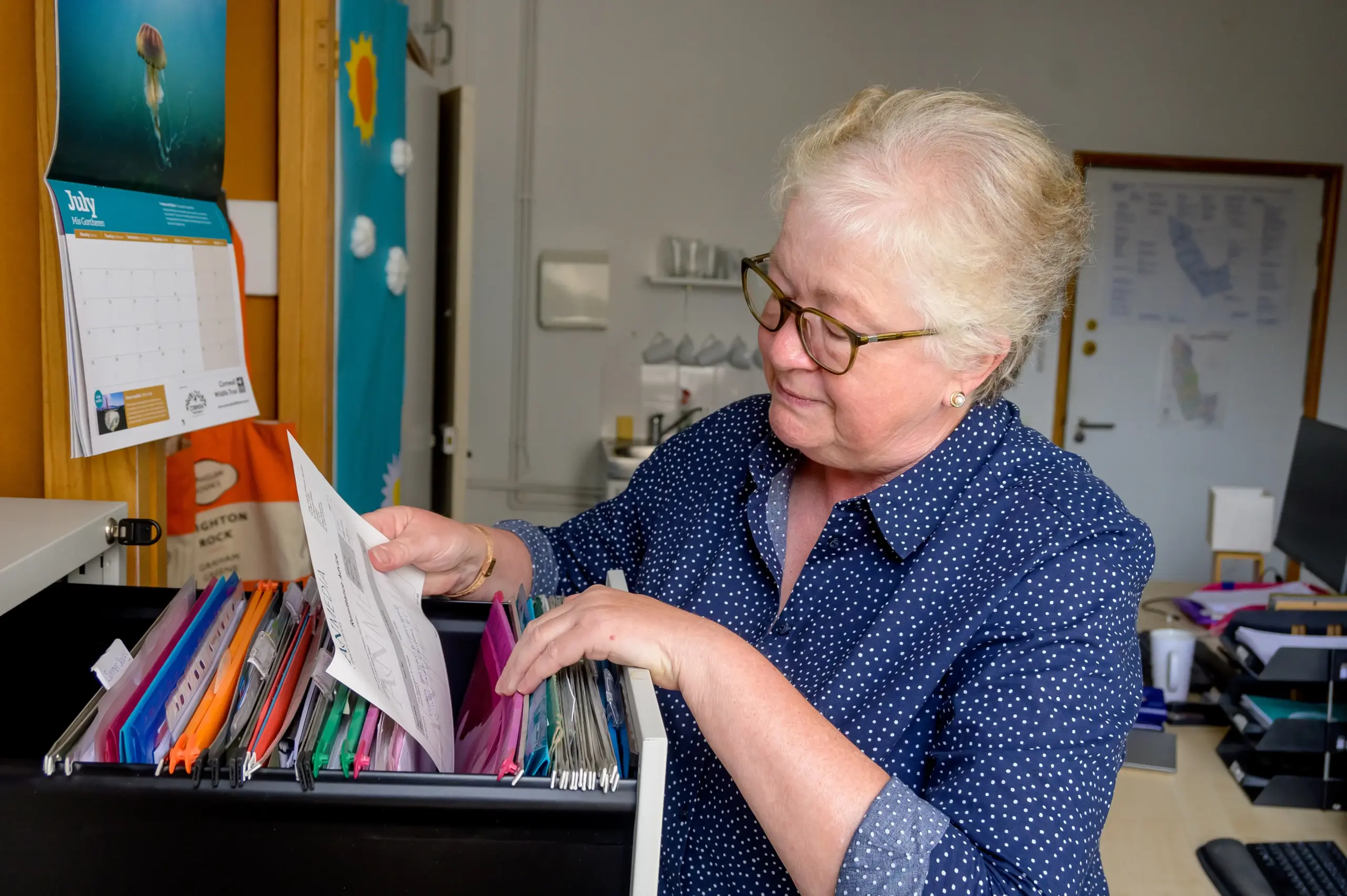
1. File for Retrieval, Not Storage
The number one rule: organize based on how you’ll retrieve information, not how you’ll store it. Instead of asking, “Where should I put this?” ask, “Where would I look for this later?” This mindset shift can dramatically reduce the time spent searching.
For example, if you’re saving vendor invoices, “Vendor – [Name]” is often easier to recall than “Invoices – March 2025.” Think in terms of user-friendly labels.
2. Keep It Chronological—With a Twist
Insert new documents at the front of the folder. Why? Because the most recent papers are typically the most relevant. Then, when it’s time to purge, start from the back where the oldest documents reside.
3. Purge Once a Year; No Exceptions
Set a recurring reminder on your calendar to clean house annually. If you haven’t needed a document in 12 months, chances are it can be archived or shredded. The exception: financial, legal, and tax documents, which may need to be retained for 3–7 years depending on jurisdiction. When in doubt, ask your CPA.
4. Color Coding Works Wonders
Color-coded folders provide a visual shortcut. Assign each category—finances, clients, projects, personal, etc.—a distinct color. Use matching labels, tabs, and even icons if you’re going digital. This tactic can dramatically cut search time and reduce visual clutter.
5. Always Alphabetize
Whether you’re using physical files or digital folders, alphabetical order is your best friend. This simple rule adds structure and predictability, especially when others need to access your files.
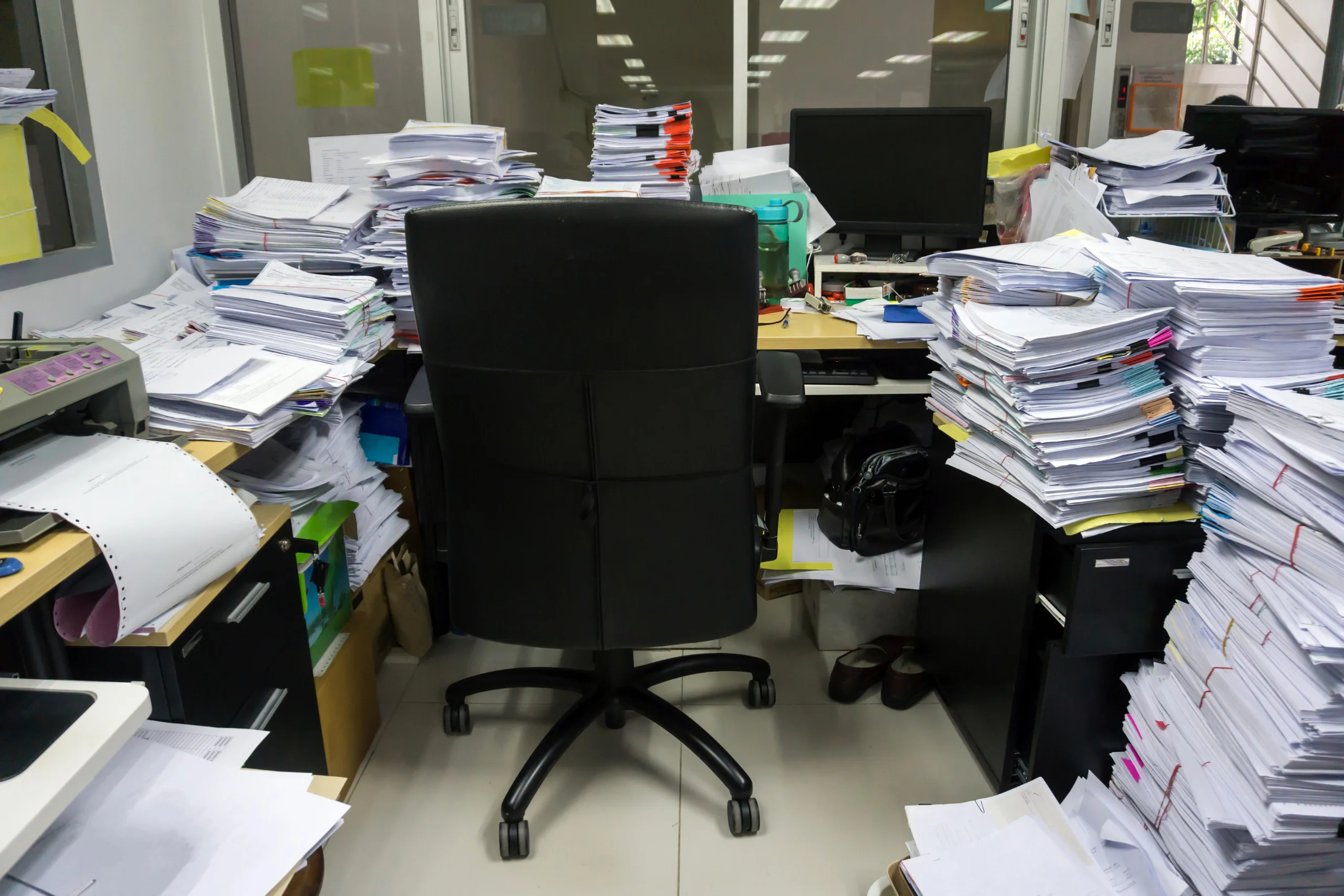
6. Declutter Your Digital Files, Too
According to IDC research, employees spend 7.5% of their time searching for misplaced digital documents, and 3–5% of files are lost entirely. That’s hours of productivity down the drain. To avoid that:
- Delete duplicate or outdated files
- Uninstall unused software
- Empty your Downloads folder weekly
- Store large files you rarely access on external drives or cloud platforms
- Rename files with meaningful names (e.g., “2025_Q2_Budget” instead of “Doc4_final_version_v2”)
7. Mirror Your Systems Across Mediums
Whether you’re organizing physical folders, your computer’s hard drive, or cloud-based storage, consistency is key. Use the same naming conventions and folder structures across all platforms. For example, a client folder named “Acme Inc” should exist in both paper and digital formats.
8. Back Up Regularly
A hard drive crash or accidental deletion can wipe out years of important data. Schedule regular backups—weekly for active systems, monthly at a minimum for general archives. Use both physical (external hard drives) and cloud-based solutions (Google Drive, Dropbox, OneDrive) for redundancy.
Why an Organized Filing System Matters
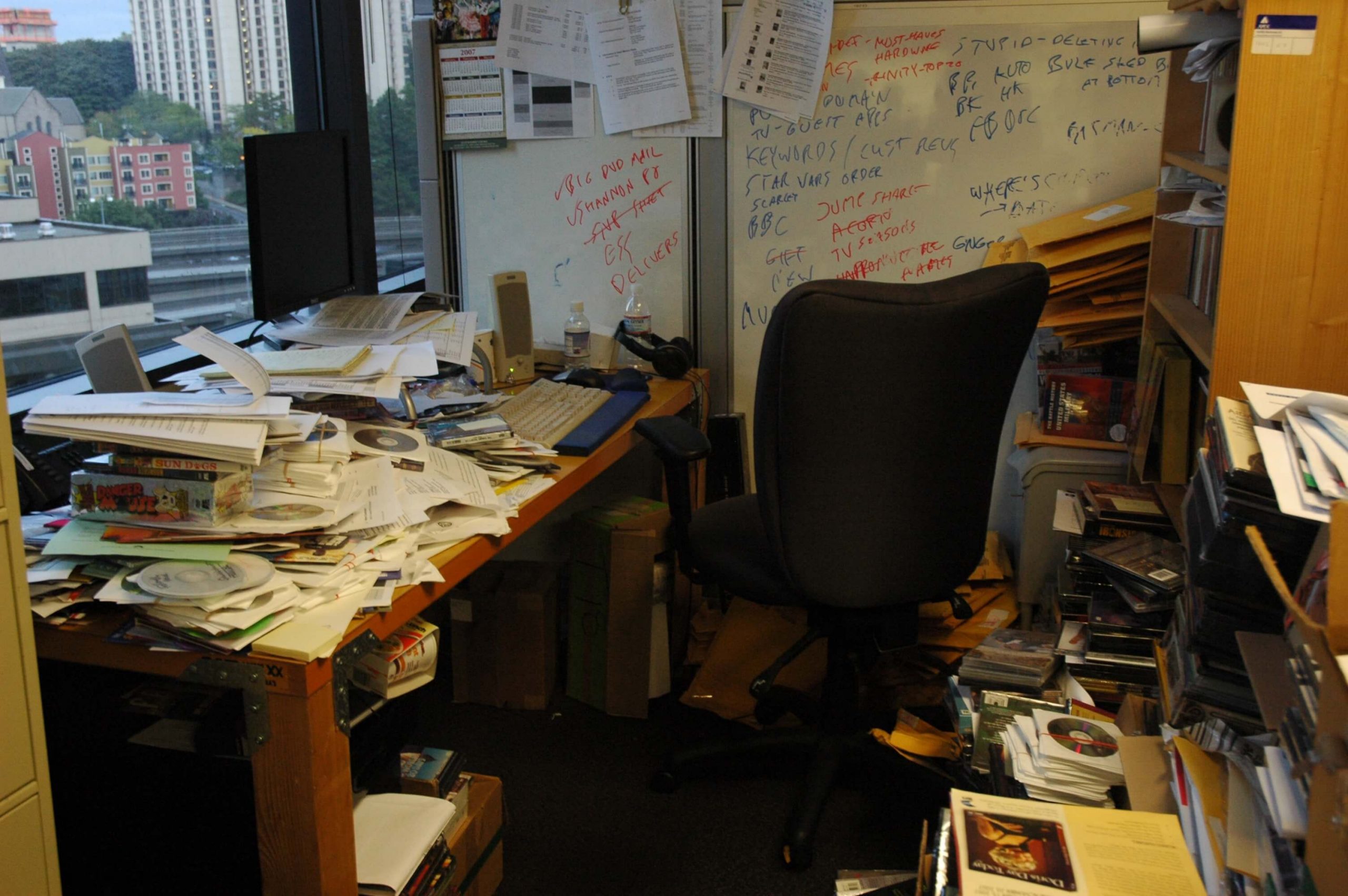
Beyond saving time, an efficient system reduces mental clutter. You’re no longer carrying around the nagging thought, “Where did I put that?” You’ll also be more prepared for audits, disputes, or unexpected events, like needing a contract from three years ago. Good systems create peace of mind.
FAQs
How long should I keep tax documents and receipts?
It depends on where you live, but in the U.S., the IRS generally recommends keeping tax records for at least three years. However, if you omit more than 25% of your income, they can go back six years. If you fail to file or commit fraud, there’s no statute of limitations. A good rule of thumb is to keep personal and business tax returns, supporting documents, and receipts for seven years. Digital copies are acceptable if they’re legible and organized.
What’s the best way to organize digital files for a small business?
Start by mirroring your paper filing system. Create top-level folders by category (Clients, Financials, Projects, Legal, etc.), then organize subfolders by year or client name. Name files clearly—“2025_March_Invoice_Acme.pdf” is better than “scan0034.pdf.” Use consistent naming conventions and avoid nesting too deeply. For shared drives, establish rules for naming, version control, and access permissions.
Should I use software to manage my filing system?
If your business is growing or you’re managing large volumes of data, file management software can be a game-changer. Tools like Evernote, Trello (for project-based filing), or more robust document management systems like DocuWare or M-Files can centralize everything, provide search functions, and offer backups. For personal use or solopreneurs, cloud storage platforms with folder capabilities (like Google Drive) are often enough if used consistently.
How often should I review or audit my filing system?
Ideally, review your filing system at least once a year. However, set mini check-ins quarterly to ensure it’s still working well, especially if you’re adding lots of new documents. A regular audit helps you identify redundant files, security issues, or clutter before they become overwhelming. Plus, it keeps you in the habit of maintaining order, which pays off big time come tax season or when an urgent document is needed.
What are some common filing mistakes to avoid?
A few recurring mistakes include: overstuffing folders without purging, keeping everything “just in case,” mixing active and archived records, inconsistent file naming, and failing to back up digital files. Many people also mislabel folders based on where to store items instead of how to retrieve them. Another big one? Using personal cloud accounts for sensitive business data. Always use secure, business-grade solutions for anything confidential.
Maintaining an efficient filing system doesn’t require perfection—it requires consistency, clarity, and a little bit of discipline. Once in place, it becomes an invisible tool that supports everything else you do. You’ll save time, cut stress, and maybe even start to enjoy the process. After all, nothing beats the satisfaction of finding exactly what you need when you need it.
The article was first published on December 2, 2012 and updated on June 24, 2025.
