

Key Takeaways
- Real-time communication builds trust. Clients appreciate being kept in the loop, especially when changes occur.
- Use the right tools for the message. Instant messages, emails, calls, dashboards, and project tools serve different purposes.
- Keep communication short and purposeful. Avoid overwhelming clients with too much or irrelevant information.
- Dashboards and project tools offer transparency. Clients can check progress at their convenience.
- Consistency is crucial. Even a brief note reinforces dependability and care.

Clients these days want fast and clear communication, where time is the most important thing. They desire to be informed about what is going on without being asked. The ability to communicate with them in real time also builds trust and show them that they are important with regard to time and business.
Sharing updates is simple in many ways, and the most effective ones are simple, on time, and easy to understand. It may be a sudden change, a delay, or some important news, but proper tools and habits can assist a lot.
Table of Contents
Instant Messaging Platforms
Instant messaging is one of the simplest options to ensure that the clients are kept informed. These services provide speedy messages that are personal and direct. They do a great job of sharing brief updates, checking in, or confirming small changes.
Most companies have applications that allow customers to respond in case of inquiries. This maintains the dialogue as two-sided and makes the client feel involved. The trick is to remain short and sweet and not to bombard them with information.
Email Updates for Larger Changes
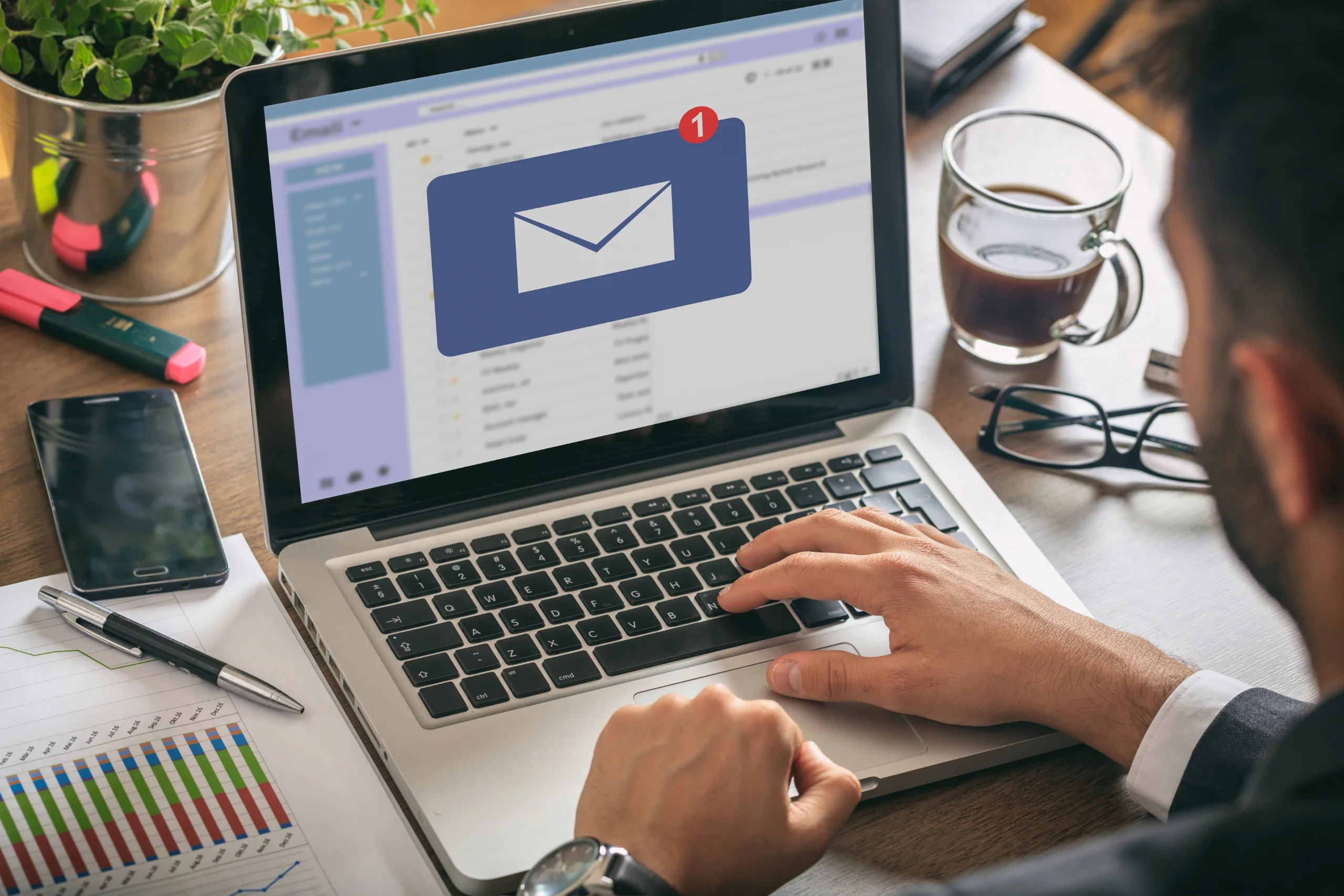
Email has not yet been eliminated, particularly when more details are required in the update. It is effective where the clients require a history of what is going on. When there is a need to change a schedule, to update a project, or when a summary is required, emails are the best to use.
Make the message simple. Make use of a short subject line that states what the email is all about. Do not use long paragraphs in the message. Please remain on point, and as to what the client needs to know, and when he needs to know it.
Provide a Common Online Dashboard
Some companies provide online dashboards that allow a client to monitor the progress of work. They can be used when changes are regularly made or when the client wants to compare progress with time. Timelines, to-do lists, or stages of delivery can be displayed as dashboards.
The finest dashboards are simple to navigate and do not require a lot of description. Clients ought to be capable of logging in and know what they are seeing immediately. This is an option that can be trusted because of clear labels, simple design, and frequent updates.
Use a Mass Text Messaging Service for Time-Sensitive Alerts
Texts are fast in delivering the message when speed is of the essence. A mass text messaging service may also be deployed to alert several clients simultaneously. It is useful in case of service outages, last-minute changes, or when time is really short.
Writings ought to be brief and to the point. They are not designed to be used to hold long conversations, but they are excellent when it comes to urgent updates. Do not include irrelevant information, and in case additional information is required, you can provide a link or a contact number.

Brief Update Calls on Schedule
There are occasions when a phone call is the best method of keeping a client informed. This may be scheduled in advance or applied in case of an occurrence. The five-minute phone call can save a chain of long emails and prevent misunderstandings.
The clients who do not like typing are particularly assisted by calls. They are more personal and demonstrate that the business is ready to spend some time explaining things. However, in order not to lose time, calls must be purposeful and keep to the point.
Utilize Project Tools
Project tools are particularly convenient when it comes to continuous work or projects.
Clients have the freedom to scrutinize such tools at their convenience. This saves the necessity of frequent updates and enables them to keep up with it at their own pace. The best thing about these tools is that they should be updated and easy to interpret.
Be Steady and Dependable
A short note, even without any news, can demonstrate that everything is going according to plan. Clients are less concerned when they are aware that they are not going to be left behind. It is not about the update but making them feel that they are important and that their business is being taken care of.
Conclusion
Speed is not the only thing with real-time updates; it is also about clarity and respect. With simple tools, consistency, and the appropriate approach to every message, businesses can establish better relationships with their clients and make them feel confident throughout the process.

Frequently Asked Questions (FAQs)
Why is real-time client communication so important in today’s business landscape?
Real-time communication is no longer just a “nice-to-have”—it’s a client expectation. In a fast-paced digital world, customers want immediate access to project updates, service changes, or potential delays. It’s not just about speed; it’s about transparency and showing respect for your client’s time. Providing quick updates demonstrates professionalism and minimizes the risk of misunderstandings. When businesses proactively communicate in real-time, clients feel valued and secure in their relationship with the brand. This trust ultimately improves retention and client satisfaction, making real-time updates a critical part of any customer service strategy.
What tools work best for keeping clients updated in real time?
The best tools depend on the nature and urgency of the message. Instant messaging platforms like Slack or WhatsApp are ideal for short, informal updates. For more detailed changes or when a written record is needed, email works best. Project management tools like Trello, Asana, or Monday.com offer transparency by allowing clients to track progress on their own schedule. Online dashboards are great for displaying timelines and deliverables visually. For urgent issues, mass texting services or brief phone calls ensure quick, direct communication. A combination of these tools, tailored to each client’s preferences, usually works best.
How often should businesses send updates to clients?
Update frequency depends on the nature of the service or project. For ongoing projects, a weekly summary and real-time alerts for any major changes are often sufficient. In industries like tech support, logistics, or event management, more frequent updates may be necessary—even hourly in some cases. However, over-communication can be overwhelming. The key is to establish a consistent cadence and set expectations upfront. Even when there’s no news, a quick message confirming everything is on track reassures clients and maintains a strong working relationship.
How can businesses avoid overwhelming clients with too many updates?
Keeping clients informed doesn’t mean flooding their inboxes or messaging apps. Businesses should first ask clients how they prefer to be contacted and how often. Group small updates into a single, concise summary when possible. Use clear subject lines and bullet points to make emails scannable. For non-urgent updates, consider providing a shared dashboard or project tool so clients can check in at their convenience. Respecting the client’s communication style and avoiding duplicate messages helps reduce fatigue while still maintaining transparency.
What if a client isn’t responsive to real-time updates?
Not every client will respond promptly to real-time communications, and that’s okay. Some clients prefer passive updates via dashboards or project tools, while others may only react to critical changes. It’s important to tailor your communication style to each client. Start by asking them their preferred update method and frequency. If they still aren’t engaging, maintain consistency in your communication anyway. This shows professionalism and ensures there’s a communication trail. Ultimately, even if a client doesn’t respond often, they’ll appreciate the availability of updates when they need them.
