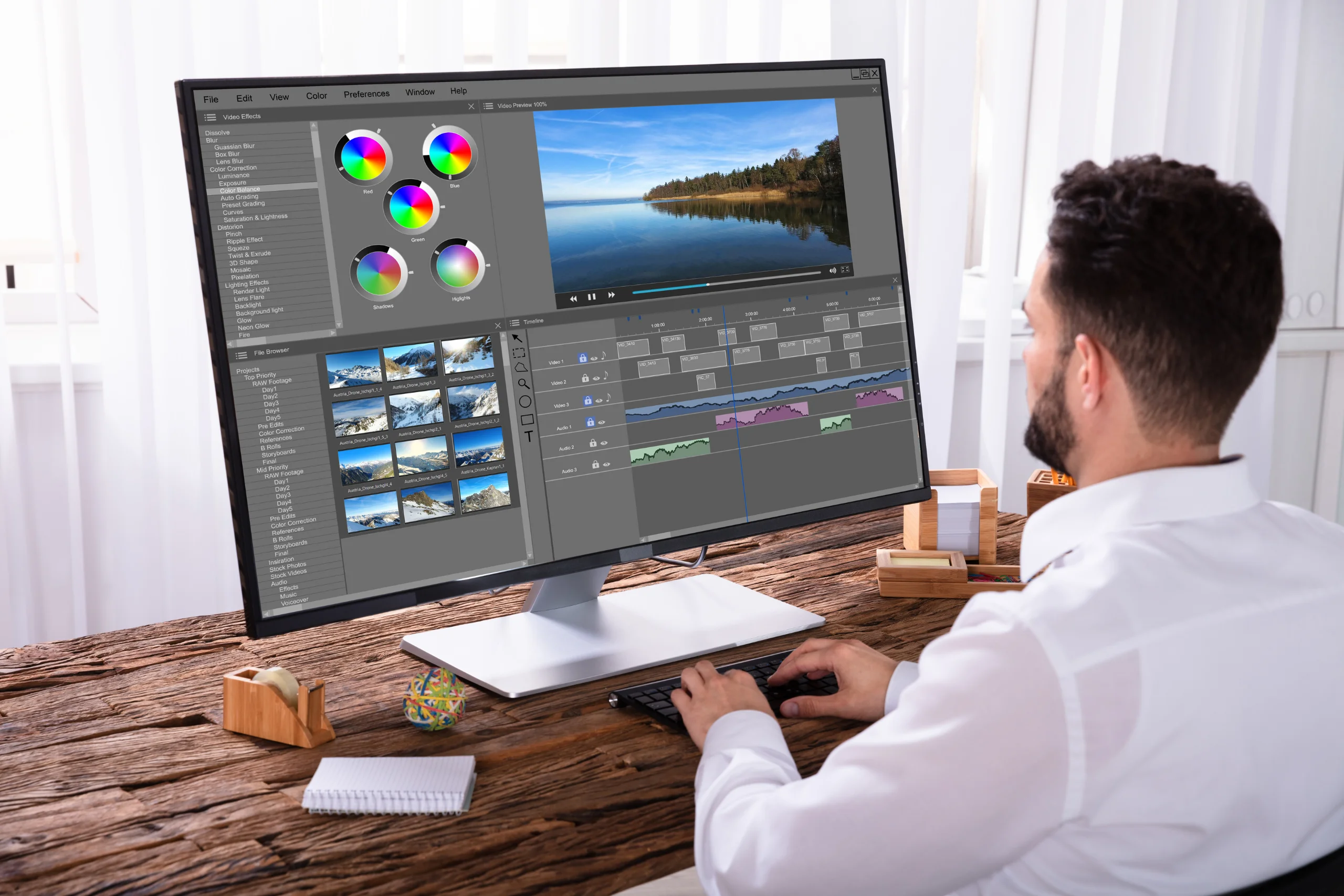
Photo editing business is a great choice for both beginner and seasoned business owners. This is not only exciting but also quite profitable.
But let’s be real: editing photos can sometimes feel overwhelming. It often takes hours of meticulous work to get that perfect, polished look. That’s where automated editing tools like PhotoWorks come into play. These fantastic programs can help lighten your workload so you can achieve stunning results without spending all day behind a computer screen. Imagine being able to batch process multiple images swiftly, freeing you up to focus on what really matters – building relationships with clients and growing your brand.
In this article, we’ll talk about a reliable photo editor suitable for this business. We’ll also walk you through some other essential steps of starting your own photo editing business. So, let’s get started.
Table of Contents

Choosing an Automatic Program
When you need to handle multiple projects at once, it’s better to use an AI-powered photo editor like PhotoWorks. It’s perfect for automated photo editing, regardless of the type of pictures you process. Whether you get orders for wedding photos or product images, it provides all the necessary features. For instance, you can create product photos with desired backgrounds in a few clicks using the automatic background changer tool.
Also, it allows you to automatically perfect portrait images: make a person smile, whiten their teeth, apply digital makeup, remove skin blemishes, etc. You can do it simply by dragging sliders, but you can also apply ready-made presets.
This software lets you quickly make standard adjustments to all your pictures at once. But you can also process photos having full control over the process – remove objects, fix composition, correct colors, and more. PhotoWorks also offers 50+ customizable text styles, 200+ one-click effects, and a library of built-in stickers, background pictures, and textures. By the way, you can use this photo editor to add and even create your own watermark for the content you post on your website or social media. This will not only protect your image but also raise brand awareness.
Finding Your First Clients
Once you’re equipped with the right tools, it’s time to find clients who need your services. The initial steps may feel intimidating, but there are numerous ways to connect with your target audience. Friends and family can be your first customers, and they may know others who require photo editing help.
Social media platforms like Instagram and Facebook are also excellent places to showcase your work. Create a dedicated page or account where you can post your edited images, share before-and-after comparisons, and engage with potential clients. Use relevant hashtags to reach a broader audience and attract individuals looking for photo editing services.
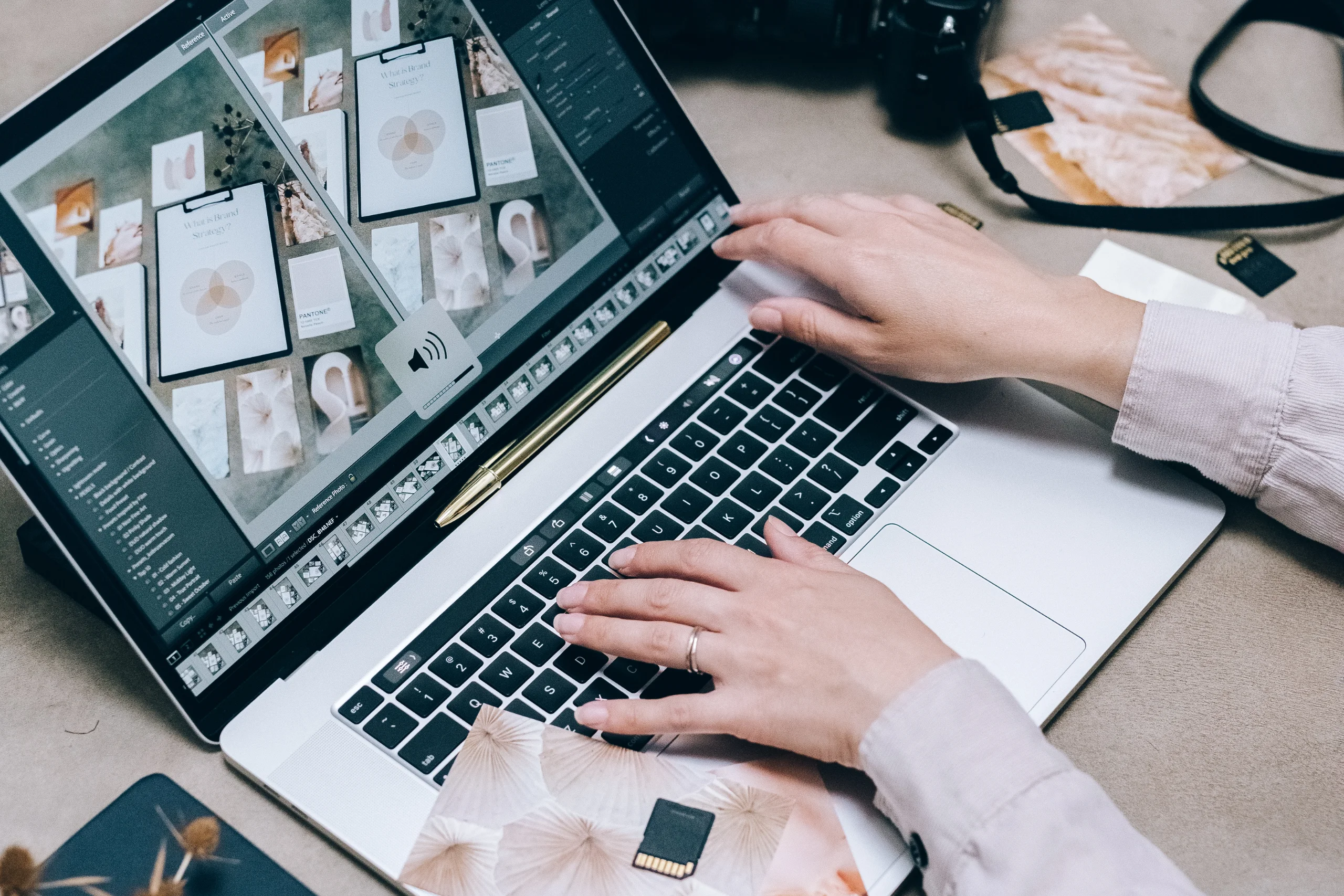
Setting Up Your Business
After selecting your software and obtaining your first clients, it’s time to establish your business officially. Start by choosing a name that reflects your style and services. It should be catchy yet professional, making it easy for potential clients to remember.
Creating a simple website or online portfolio is essential for showcasing your work. You don’t need a complex website, though. A clean and visually appealing layout that highlights your best images and services is enough to get started. Include an “About” section to share your story and a “Contact” page for inquiries. Reviews from satisfied clients can also help build credibility and attract new customers.
Next, you’ll need to determine your pricing structure. Research the market rates for photo editing services in your area and consider what you believe your skills are worth. When starting out, it might be beneficial to set competitive rates to attract initial clients. As you gain experience and build a reputation, you can gradually increase your prices.
Marketing Your Services
Once you’re set up and have a few clients, it’s time to market your photo editing services actively. Consider creating promotional materials such as business cards or flyers to distribute locally. However, online advertising is more beneficial. Platforms like Facebook and Instagram allow you to target specific demographics, making it easier to reach potential clients. You can invest in a small advertising budget to promote your services and increase your visibility.
Email marketing is another effective way to keep in touch with clients and prospects. Build an email list by offering a newsletter or sharing tips about photography and editing. Regularly send out updates about your services, special promotions, or new offerings to keep your audience engaged.
Wrapping Up
Now you know more about the photo editing business. You’ve discovered some ins and outs of starting this kind of business and how you can benefit from an automatic photo editor. So, get ready with the needed tools and begin building your business!